
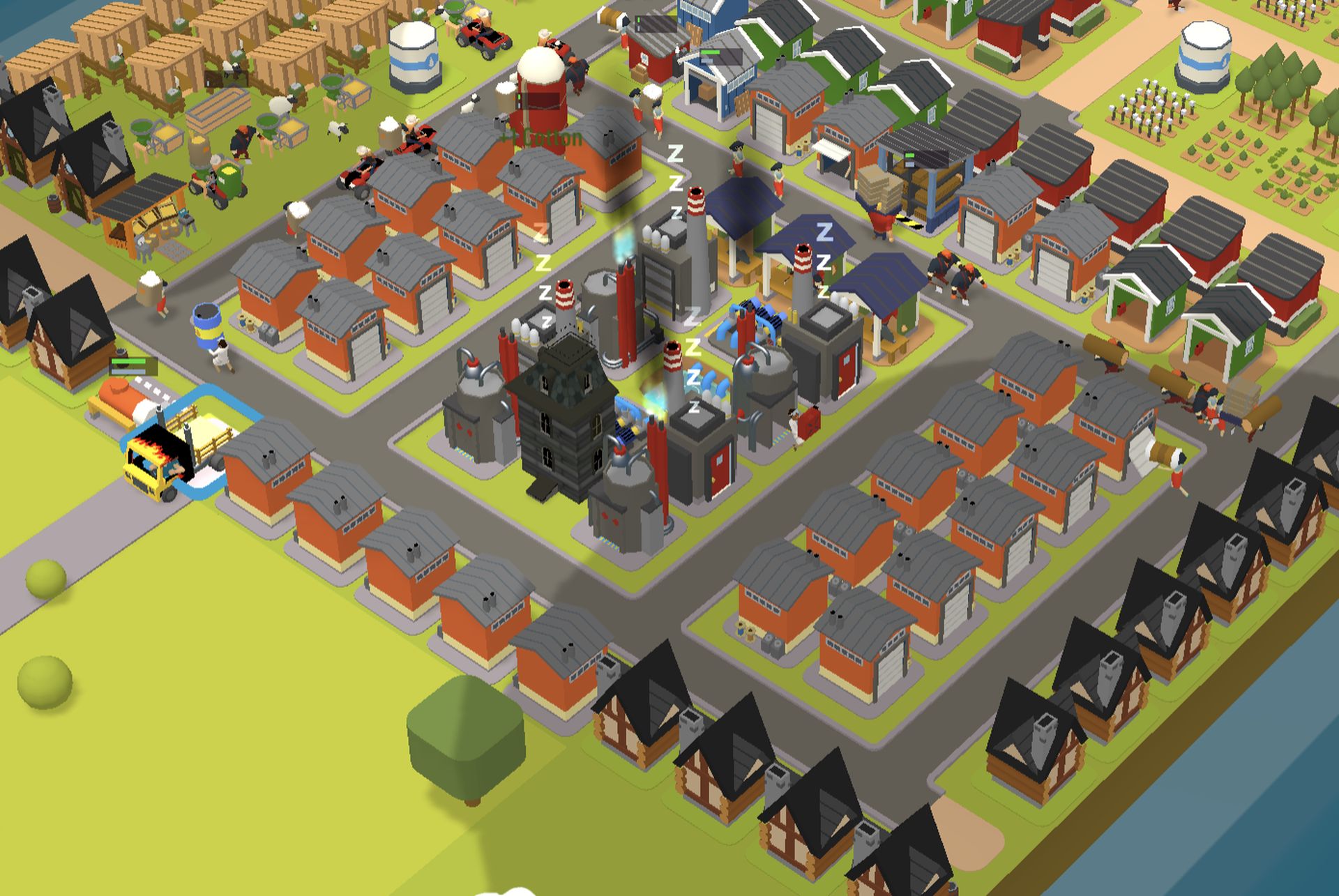

Today we are here to show you how to play Town Star. In Town Star, a farming simulator by Gala Games, you establish a prosperous town, cultivate crops, erect buildings, collect stuff, sell them to get money, and score points in accordance with your actions. On Gala’s own network, which makes use of the Ethereum blockchain, the game is created. Anyone can play Town Star on their PC browser.
As long as you finish first on the leaderboards, you can make money playing this game. GALA Tokens, which have actual worth, are the rewards that you can receive. These tokens currently exchange for $0.084075. Gala tokens can also be used to purchase in-game NFTs that will advance you.
Although you don’t need to invest any money to begin playing, you should be aware of how very competitive the game is. The only thing you need to invest is time because becoming one of the best players requires hours of laborious grinding.
How to play Town Star?
Simply visit Gala Games – Town Star and register an account to start your adventure in Town Star. After that, select “play” to choose between the Weekly Competition and Free Server servers.
We advise using the Free Server to unwind or plan before engaging in competitive play. There are no prizes there, but it’s an excellent place to start if you want to try out several quick point-getting strategies so you’ll be prepared when you visit the Weekly Competition Server.
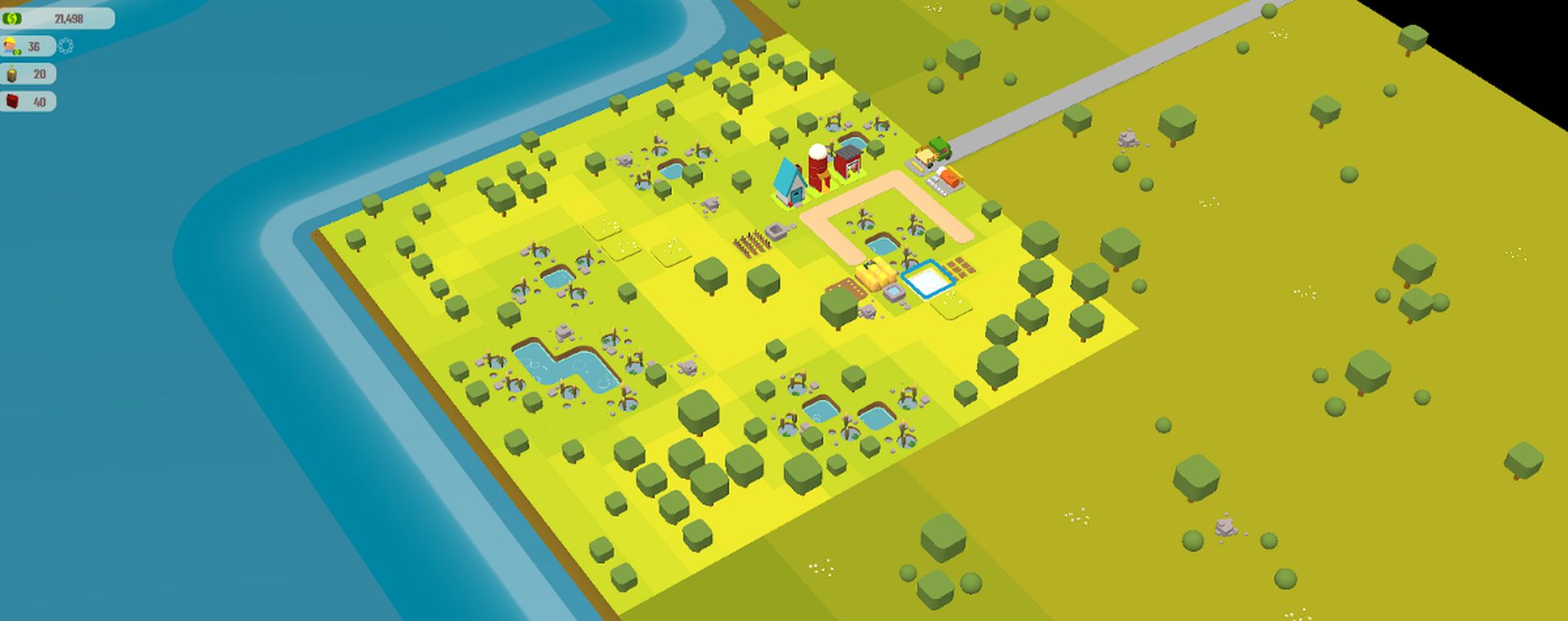
We advise heading to the weekly server if you feel prepared and strong enough to take on hard-core farmers. Here is where the weekly competition is place, and if you want to win, you must truly put work into your farm.
The actual game plays similarly to other farming simulation games. You must choose a location and give your town a name after joining a server. There are three different types of locations available, and each has advantages and drawbacks of its own. Choose from the Plains, Desert, or Forest.
If you picked the wrong place, don’t worry; you may pick it again by demolishing your existing town by returning to the World View, clicking your town, and then choosing Destroy Town.
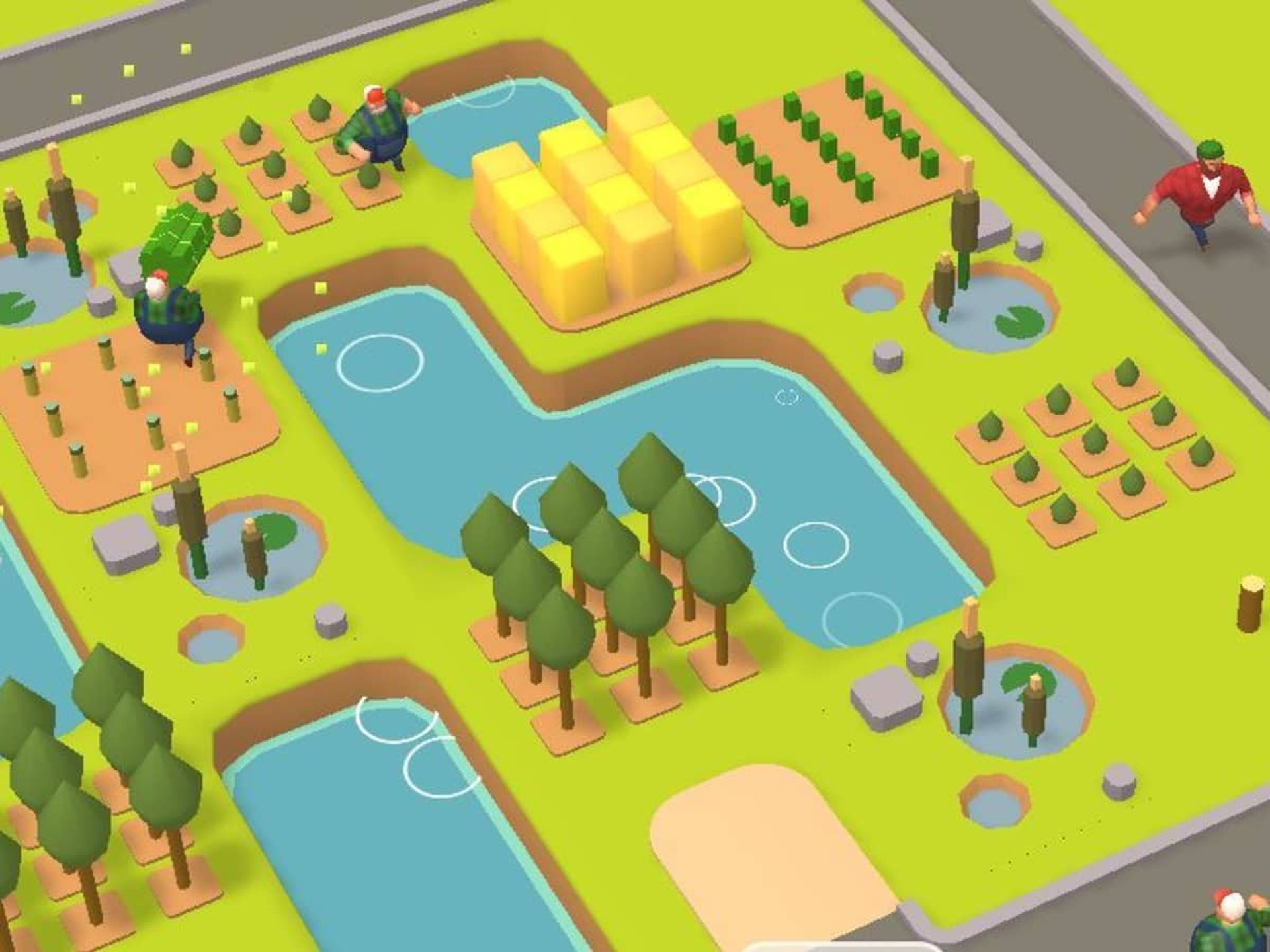
Growing crops and resources to sell in order to gain points is the game’s objective. Your farmers will water these crops after planting them to ensure their growth. In order to eliminate the need for irrigation, you can also plant your crops next to a river or pond.
Once your crops have successfully grown, you can sell them by going to your Trade Depot and selecting a product to sell. For each deal you make, there would be a matching gas fee and delivery time.
Your position in the weekly competition will be determined by the number of points you get after successfully selling your goods. You will receive a set quantity of incentives if you are able to finish among the top competitors when the competition is over.
Although it may seem simple, there are numerous things to think about when playing this game, such as figuring out which products are the most straightforward to obtain or how many points you receive when you sell them. For you to achieve your goals, you also need a number of resources, such as;
- Wood
- Lumberjack
- Storage Facilities
- Wages
- Gas
You won’t be able to farm effectively or even sell your harvests if you don’t have such things, which will reduce your chances of winning the tournament altogether.
To get more details about the game, you may also join Gala Games’ official Discord channel.
How to earn money in Town Star?
Competing on the Town Star weekly server is the only way to earn awards. Every Tuesday at 12 p.m. EST, the weekly competition begins, and it ends on Sunday at 12 a.m. EST. GALA Tokens will be awarded to the top 200 players that have the highest points. For information on how much these top players receive at each stage of the weekly competition, see the chart below. Keep in mind that every time the weekly competition begins, your progress on the weekly server will be reset.
| Player Rank | Gala Reward |
| 1 | 5500 |
| 2 | 4000 |
| 3 | 3000 |
| 4-10 | 2000 |
| 11-20 | 1300 |
| 21-50 | 1000 |
| 51-100 | 800 |
| 101-200 | 400 |
| 201-300 | 300 |
| 301-400 | 200 |
In addition, Gala Games has disclosed a fresh method for making money in this game. Soon, users will be able to earn TownCoin through game play. It will soon be released as the official Town Star play-to-earn reward token supported by blockchain. All we can do right now is wait since, according to Gala Games, it will materialize as soon as possible. But don’t worry, as soon as the token is made available, we will update this article. This concludes our guide explaining how to play Town Star. You can also check out the best games for Android and iOS (2022).


