

TechBriefly
  • Tech
  • Business
  • Crypto
  • Science
  • Geek
  • How to
  • About
    • About TechBriefly
    • Terms and Conditions
    • Privacy Policy
    • Contact Us
    • Languages
      • 中文 (Chinese)
      • Dansk
      • Deutsch
      • Español
      • English
      • Français
      • Nederlands
      • Italiano
      • 日本语 (Japanese)
      • 한국인 (Korean)
      • Norsk
      • Polski
      • Português
      • Pусский (Russian)
      • Suomalainen
      • Svenska
No Result
View All Result
TechBriefly
Home How to
How to get Kid Nezha in Roblox?

How to get Kid Nezha in Roblox?

Kerem GülenbyKerem Gülen
1 November 2022
in How to
Reading Time: 3 mins read
Share on FacebookShare on Twitter

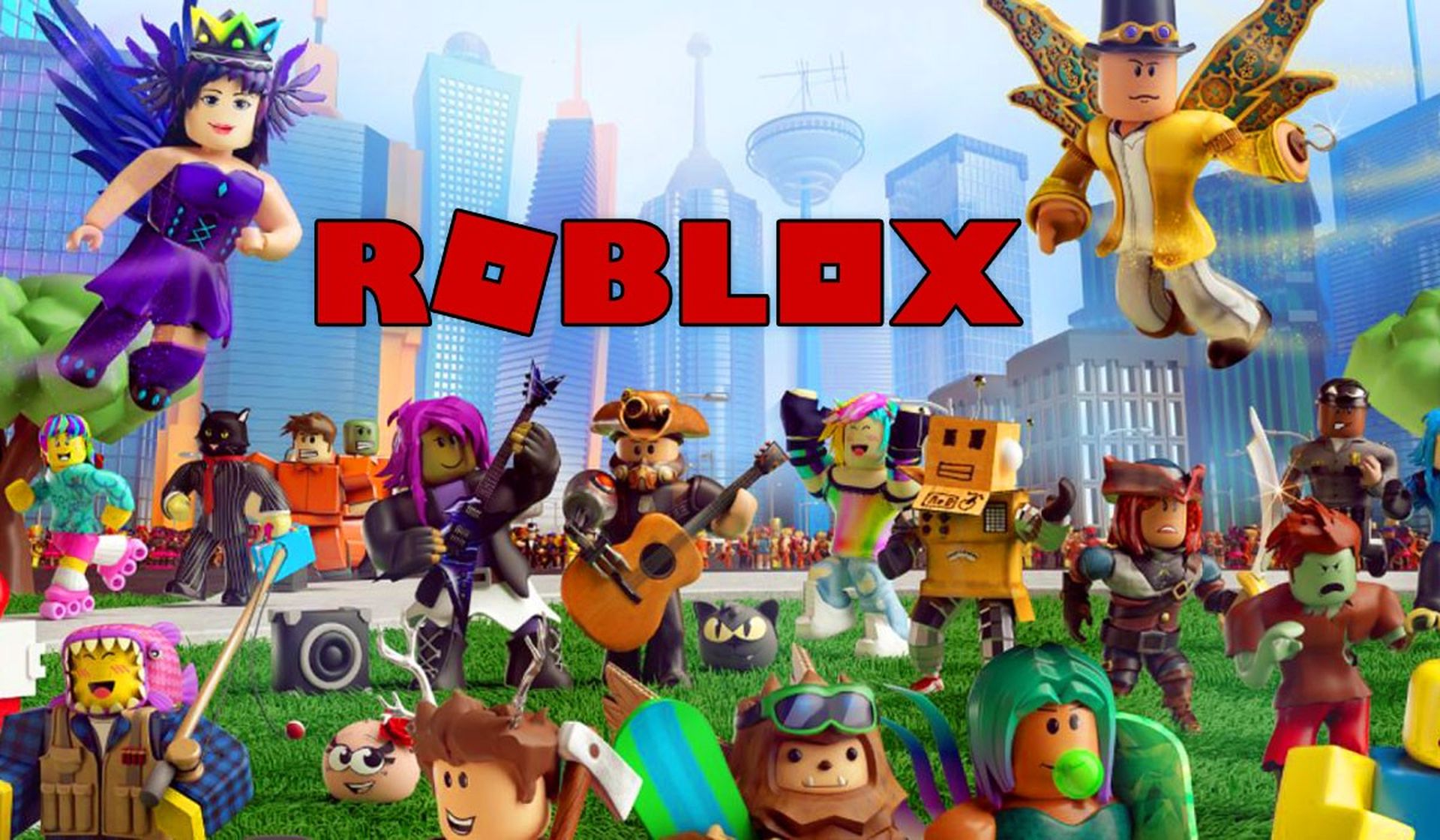
Today we are here to explain how to get Kid Nezha in Roblox. Users can create games, connect with others, and even compete on the online gaming platform known as Roblox. Giving the community the resources to create their own games and make them available for play is what helps it expand. Even leaderboards exist to encourage healthy competition between participants.

The Kid Nezha Avatar Bundle is one of the free Avatar goods you can win. You will understand how to get Kid Nezha in Roblox by the end of this article.
How to get Kid Nezha in Roblox?

How to get Kid Nezha in Roblox?

Log in to the Luobu Mystery Box Hunt game to get started. You will show up between rainbow fences after you check in. Once you reach the Kid Nezha statue, go forward past the tree. You’ll come across a sign that says, “Touch & Check Roblox Avatar.” The Kid Nezha Avatar Bundle may be unlocked by entering the statue. You’ll get a pop-up notice letting you know that you’ve unlocked the bundle.

You must locate either your avatar editor or your inventory on the Roblox website in order to access the Kid Nezha Bundle. Numerous cosmetics will be given to you, but you are not required to use them all at once. The following are some of the things you can unlock from the bundle:

  • Kid Nezha Hair
  • Kid Nezha Head
  • Kid Nezha Collar
  • Kid Nezha Torso
  • Kid Nezha Pouch
  • Kid Nezha Right and Left Arm
  • Kid Nezha Right and Left Leg

In the Luobo Mystery Box Hunt game, you will also be given a Nezha gaming badge.

Before purchasing the Kid Nezha Bundle, you are not needed to take part in the event or uncover any mystery boxes. You are welcome to look at the statue first since it is one of the things you notice when you log in.
How to get Kid Nezha in Roblox?

Beginning on September 1 and running until September 11, the Luobo Mystery Box Hunt event. You can play a variety of carnival games to get access to more rewards. Gather mystery boxes, then exchange them for prizes at the Box Exchange Shop! Before it ends, make sure you participate!

About Roblox Fluxus key Checkpoints 1 and 2

By the way, have you heard about Roblox Fluxus key Checkpoints? To play Fluxus as a gamer, you need a key executor, which is a kind of key system that enables you to easily use several scripts on a single device. Other key systems are free and easy to install on any operating system, including Windows, Linux, Mac, and Android, while some key systems are pricey since they constantly need maintenance.
How to get Kid Nezha in Roblox?

Such Fluxus executors are also used by ethical hackers to access any device, even if the device does not download malware from any websites. When downloading Roblox games, this key executor is more dependable and useful than anything else. Simply keep in mind that you shouldn’t put this file on your device along with any other files.

Frequently, any essential code to download the games from the publisher’s website is decoded using this key executor. Additionally, there are a number of requirements that must be met in order for you to carry out such a task to be successful.
 

How to get Kid Nezha in Roblox?

This way you’ve learned how to get Kid Nezha in Roblox. The game is available now for PC, iOS, Android, and Xbox One. If you did, we are sure that you will also enjoy reading some of our other articles, such as how to change Roblox profile picture easily in 4 steps, or how to get animated faces on Roblox (7 easy steps).

 

Tags: roblox
ShareTweet
Kerem Gülen

Kerem Gülen

Kerem from Turkey has an insatiable curiosity for the latest advancements in tech gadgets and a knack for innovative thinking.With 3 years of experience in editorship and a childhood dream of becoming a journalist, Kerem has always been curious about the latest tech gadgets and is constantly seeking new ways to create.As a Master's student in Strategic Communications, Kerem is eager to learn more about the ever-evolving world of technology. His primary focuses are artificial intelligence and digital inclusion, and he delves into the most current and accurate information on these topics.

Related Posts

How to use the exit command in Windows Command Prompt

How to use the exit command in Windows Command Prompt

7 January 2026
How to view your TikTok watch history

How to view your TikTok watch history

7 January 2026
How to play the classic game of cribbage for beginners

How to play the classic game of cribbage for beginners

7 January 2026
Simple steps to create a stop-motion film using Photoshop

Simple steps to create a stop-motion film using Photoshop

7 January 2026

LATEST

OpenAI announces ChatGPT Health feature

Google Classroom turns lessons into podcasts with Gemini

Roblox users must scan faces to unlock chat features

Caterpillar partners with Nvidia to bring AI to the construction site

WhatsApp adds member tags and text stickers to group chats

Spotify brings live listening activity to Messages

How to use the exit command in Windows Command Prompt

How to view your TikTok watch history

How to play the classic game of cribbage for beginners

Simple steps to create a stop-motion film using Photoshop

TechBriefly

© 2021 TechBriefly is a Linkmedya brand.

  • Tech
  • Business
  • Science
  • Geek
  • How to
  • About
  • Privacy
  • Terms
  • Contact
  • | Network Sites |
  • Digital Report
  • LeaderGamer

Follow Us

No Result
View All Result
  • Tech
  • Business
  • Crypto
  • Science
  • Geek
  • How to
  • About
    • About TechBriefly
    • Terms and Conditions
    • Privacy Policy
    • Contact Us
    • Languages
      • 中文 (Chinese)
      • Dansk
      • Deutsch
      • Español
      • English
      • Français
      • Nederlands
      • Italiano
      • 日本语 (Japanese)
      • 한국인 (Korean)
      • Norsk
      • Polski
      • Português
      • Pусский (Russian)
      • Suomalainen
      • Svenska

