

TechBriefly
  • Tech
  • Business
  • Crypto
  • Science
  • Geek
  • How to
  • About
    • About TechBriefly
    • Terms and Conditions
    • Privacy Policy
    • Contact Us
    • Languages
      • 中文 (Chinese)
      • Dansk
      • Deutsch
      • Español
      • English
      • Français
      • Nederlands
      • Italiano
      • 日本语 (Japanese)
      • 한국인 (Korean)
      • Norsk
      • Polski
      • Português
      • Pусский (Russian)
      • Suomalainen
      • Svenska
No Result
View All Result
TechBriefly
Home How to
GTA 5 Script Hook V Critical Error: How to fix it? (2022)

GTA 5 Script Hook V Critical Error: How to fix it? (2022)

Here's how to fix Script Hook V Critical Error in GTA V if it's been causing San Andreas issues.

Eray EliaçıkbyEray Eliaçık
24 October 2022
in How to
Reading Time: 3 mins read
Share on FacebookShare on Twitter

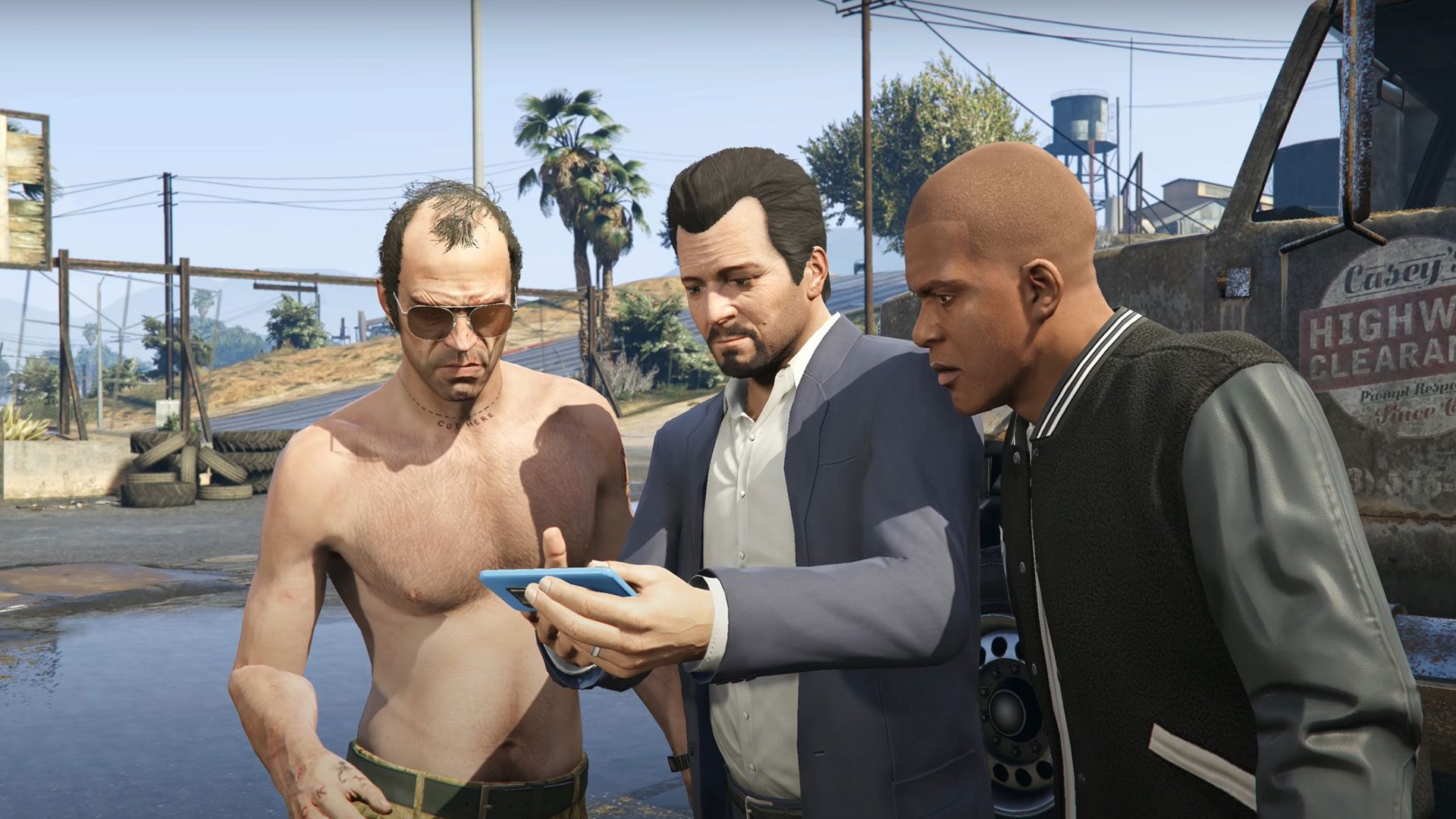
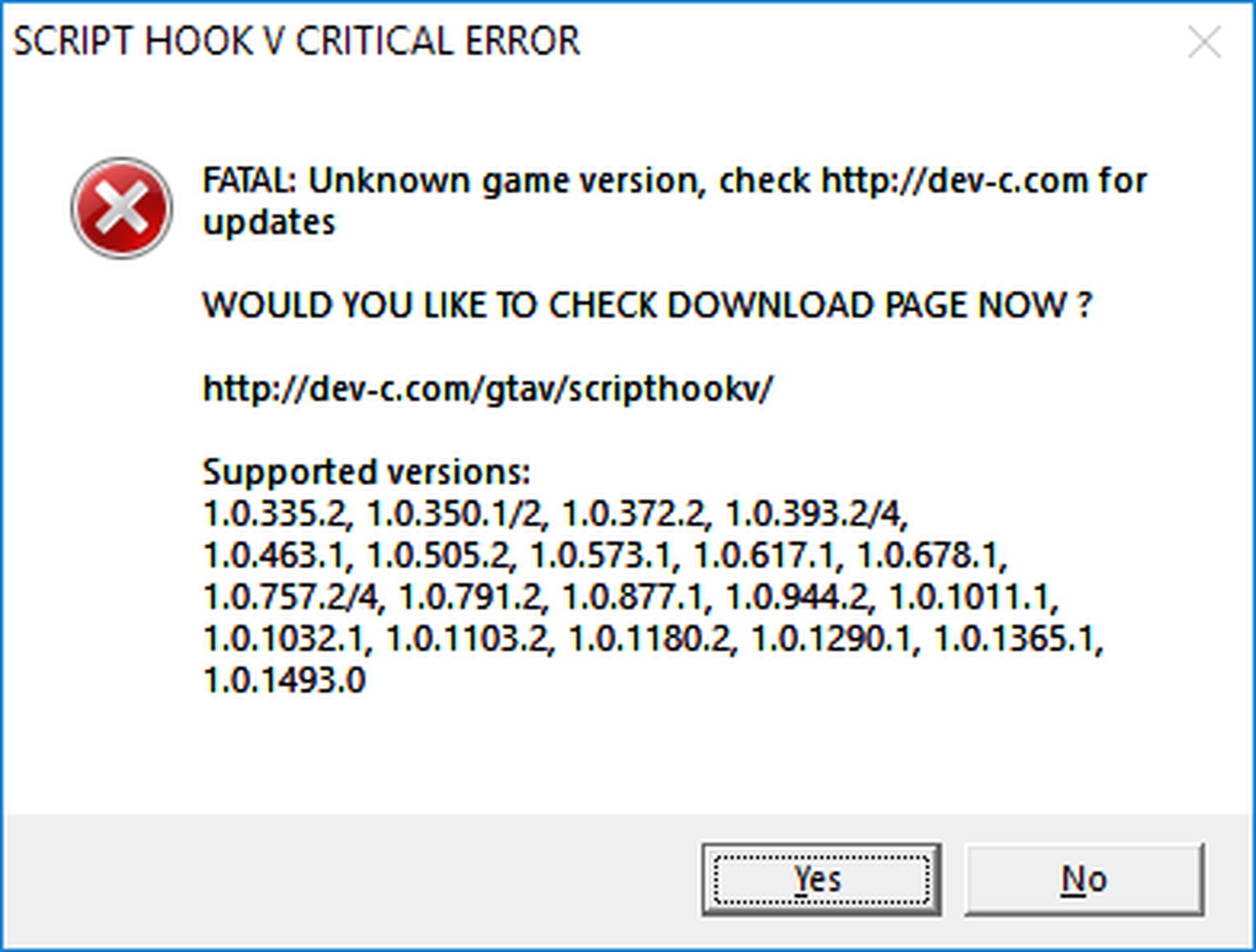
With this article, you can learn how to fix the GTA 5 Script Hook V Critical Error. Although it may sound strange, the GTA 5 Script Hook V Critical Error has been plaguing PC users of GTA V.

Everything you need to know about this error and how to fix it will be covered in this post. What you need to know if you’ve been experiencing this particular issue is provided below. Before we start, do you know GTA 6 trailer release date might be closer than you think?
GTA 5 Script Hook V Critical Error: How to fix it? (2022)

Check out how to register as a CEO in GTA 5?

How to fix the GTA 5 Script Hook V Critical Error?

In order to resolve the fatal issue, you will likely need to update your Script Hook Application if you recently upgraded to GTA 5. Follow these steps to fix the GTA 5 Script Hook V Critical Error:

  • Download the most recent program.
  • Open the bin folder after extracting the zip file.
  • Files from the bin folder should be copied into the GTA V installation folder.
  • Select copy and replace to replace the outdated files.
  • Restart the game

Consider switching back to an earlier version of GTA 5 if the most recent Script Hook version is ineffective.

  • You must access the downgrade zip files, which can be found here:
    • For Steam
    • For Rockstar Club
    • Epic Games
  • Once you’ve downloaded and extracted the necessary files, paste GTAV.exe and GTAVLauncher.exe into the game installation folder.
  • Choose To overwrite existing files, and replace the files in the destination.
  • Next, select Copy by right-clicking Update.rpf.
  • Next, paste the downloaded file into the Updates folder (found inside the game installation folder).
  • Select Replacing the files in the destination once more.

Doing this allows you to return the game to a previous version and use an earlier version of Script Hook without encountering any problems. It isn’t a long-term solution, though, because whenever you use the game launcher, it will attempt to update the game automatically. This can be avoided by doing the following:

  • Downloading a No Launcher Mod
  • Extract the RAR file
  • Paste both files into the GTA V installation folder by copying them from the extracted folder.
  • To start the game without it checking for updates, double-click No GTAVLAUNCHER.exe.
GTA 5 Script Hook V Critical Error: How to fix it? (2022)

Do you know the GTA 5 Übermacht Rhinehart real life version?

What is the GTA 5 Script Hook Critical Error?

The Script Hook V Critical Error will impact not every player in GTA 5. Only those who have downloaded the Script Hook application are affected. Players can create scripts using this modding tool and then integrate them into the single-player game.

It causes issues since the game views the application as a cheating software. As a result, Script Hook is blocked every time the game is updated. The creators of Script Hook then create their own patch to remove the game’s obstruction. This mistake results from a constant game of cat and mouse.

GTA 5 Script Hook V Critical Error: How to fix it? (2022)

Hopefully, our solution will give you a workaround until the Script Hook team releases an update. If you like it, check out our other GTA 5 articles:

  • Best GTA 5 zombie apocalypse mods 
  • How to name your organization in GTA Online on PS5 and Xbox Series X/S?
  • GTA pumpkin locations: All 200 Jack O’ Lanterns
  • San Andreas protagonist into a cat: How to download?
  • These fan-made maps show how a future GTA VI could look like

Thank you for reading! If you are interested in games, let’s have look at how to fix the MW2 campaign error?

Tags: fixGTA 5
ShareTweet
Eray Eliaçık

Eray Eliaçık

Meet Eray, a tech enthusiast passionate about AI, crypto, gaming, and more. Eray is always looking into new developments, exploring unique topics, and keeping up with the latest trends in the industry.

Related Posts

How to install mods and custom content in The Sims 2

How to install mods and custom content in The Sims 2

26 December 2025
Running Python files and fixing path errors on Windows

Running Python files and fixing path errors on Windows

26 December 2025
How to boot your PC into Command Prompt for troubleshooting

How to boot your PC into Command Prompt for troubleshooting

26 December 2025
How to delete a virus using Command Prompt

How to delete a virus using Command Prompt

26 December 2025

LATEST

New WhatsApp update brings 2026 stickers and video call effects

Leaker reveals Xiaomi plans for high end eSIM device in 2026

HP prepares OMEN OLED monitor reveal for CES 2026

High RAM costs from AI boom could delay next Xbox and PlayStation

LG to unveil its Gallery TV at CES 2026

Bitcoin drops 3% to $87,300 as altcoins decline

How to install mods and custom content in The Sims 2

Running Python files and fixing path errors on Windows

How to boot your PC into Command Prompt for troubleshooting

How to delete a virus using Command Prompt

TechBriefly

© 2021 TechBriefly is a Linkmedya brand.

  • Tech
  • Business
  • Science
  • Geek
  • How to
  • About
  • Privacy
  • Terms
  • Contact
  • | Network Sites |
  • Digital Report
  • LeaderGamer

Follow Us

No Result
View All Result
  • Tech
  • Business
  • Crypto
  • Science
  • Geek
  • How to
  • About
    • About TechBriefly
    • Terms and Conditions
    • Privacy Policy
    • Contact Us
    • Languages
      • 中文 (Chinese)
      • Dansk
      • Deutsch
      • Español
      • English
      • Français
      • Nederlands
      • Italiano
      • 日本语 (Japanese)
      • 한국인 (Korean)
      • Norsk
      • Polski
      • Português
      • Pусский (Russian)
      • Suomalainen
      • Svenska