TechBriefly
  • Tech
  • Business
  • Crypto
  • Science
  • Geek
  • How to
  • About
    • About TechBriefly
    • Terms and Conditions
    • Privacy Policy
    • Contact Us
    • Languages
      • 中文 (Chinese)
      • Dansk
      • Deutsch
      • Español
      • English
      • Français
      • Nederlands
      • Italiano
      • 日本语 (Japanese)
      • 한국인 (Korean)
      • Norsk
      • Polski
      • Português
      • Pусский (Russian)
      • Suomalainen
      • Svenska
No Result
View All Result
TechBriefly
Home How to
Dynamic Island pet widget Pixel Pals explained: How to use it?

Dynamic Island pet widget Pixel Pals explained: How to use it?

If you want a pet on your Dynamic Island, we've got you covered.

Önder ErdinebyÖnder Erdine
11 October 2022
in How to
Reading Time: 3 mins read
Share on FacebookShare on Twitter

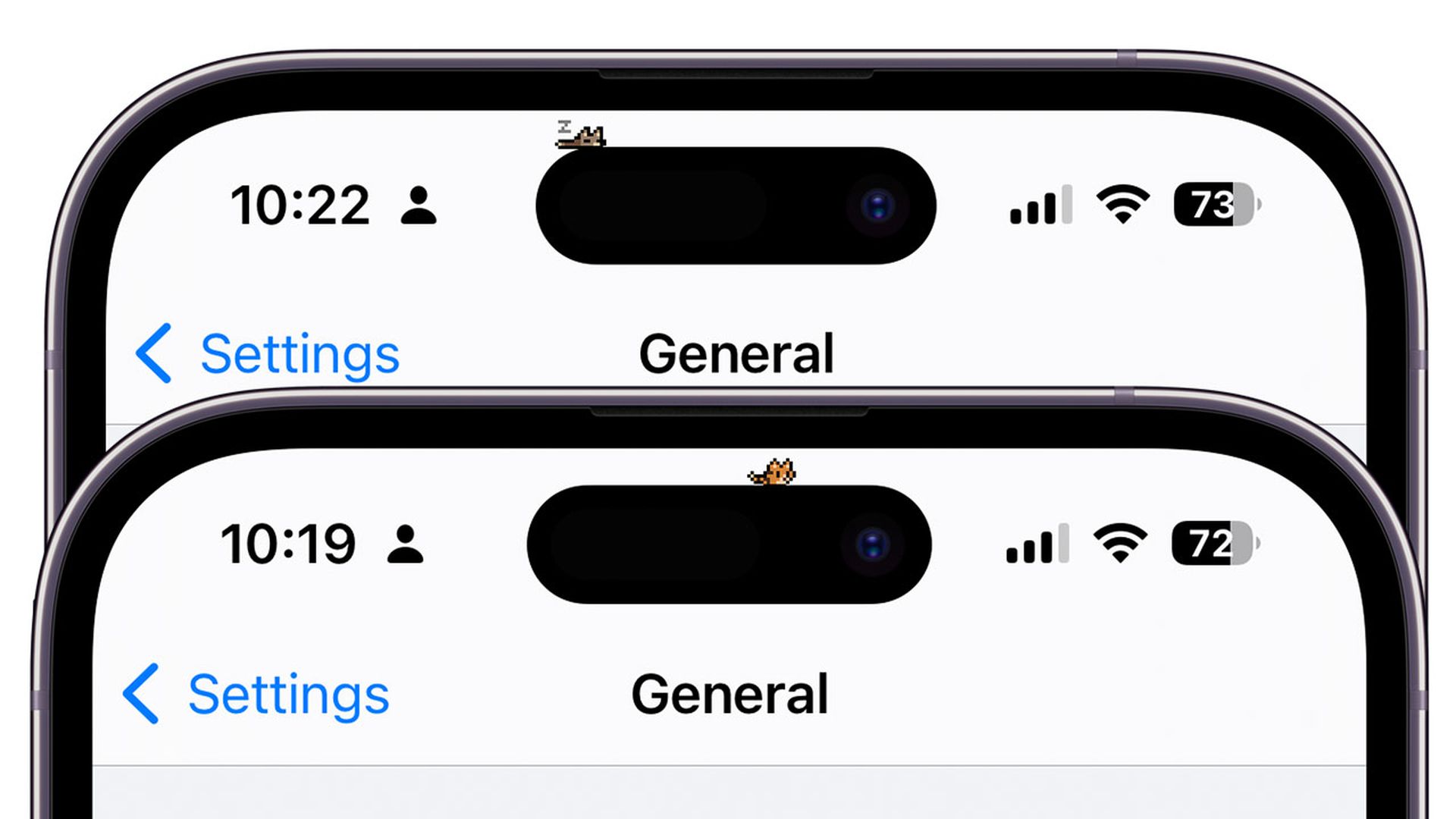
Today, we are covering the Dynamic Island pet widget Pixel Pals and how to get it, so you can get these small pets around your iPhone’s Dynamic Island.

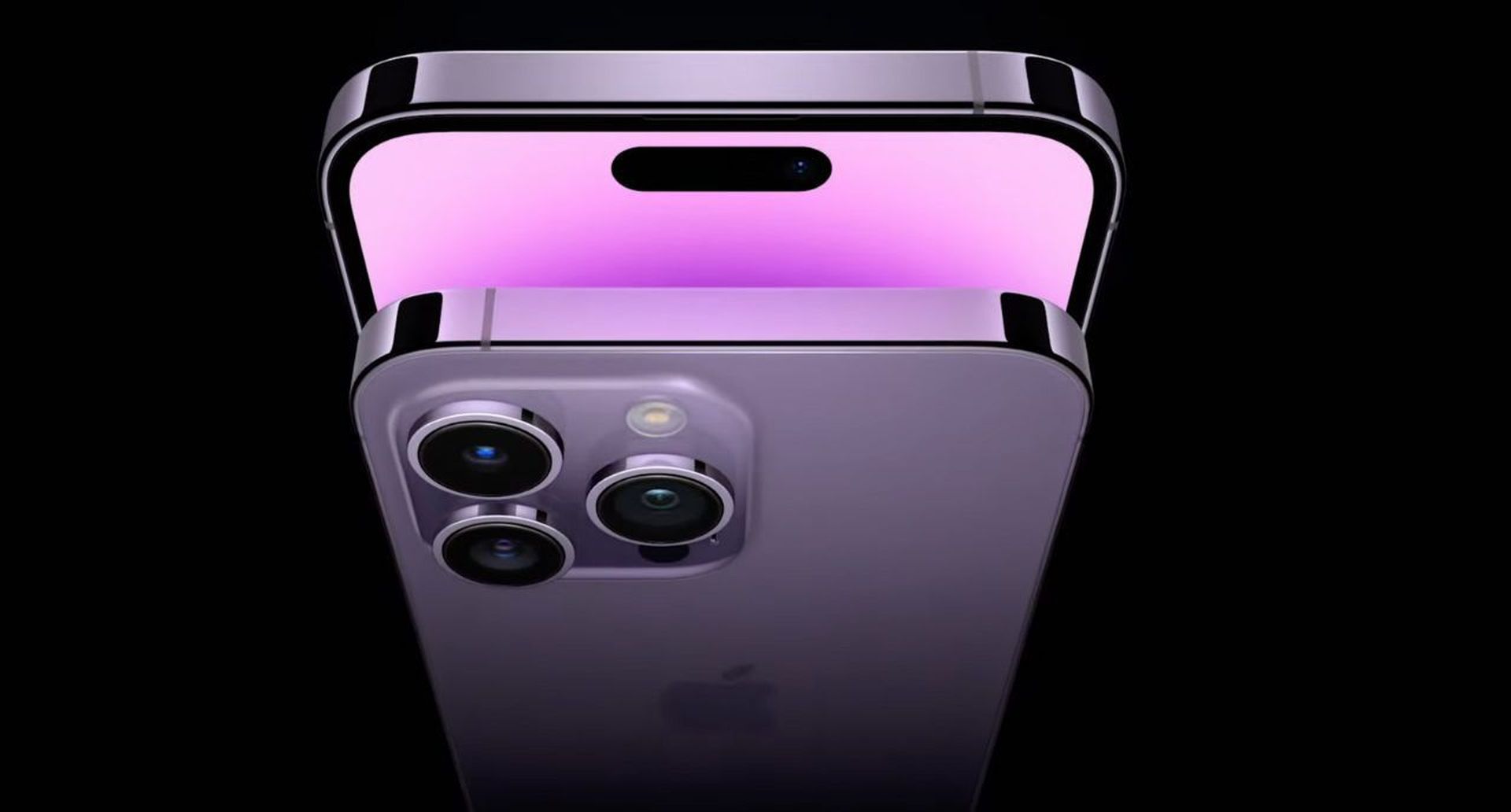
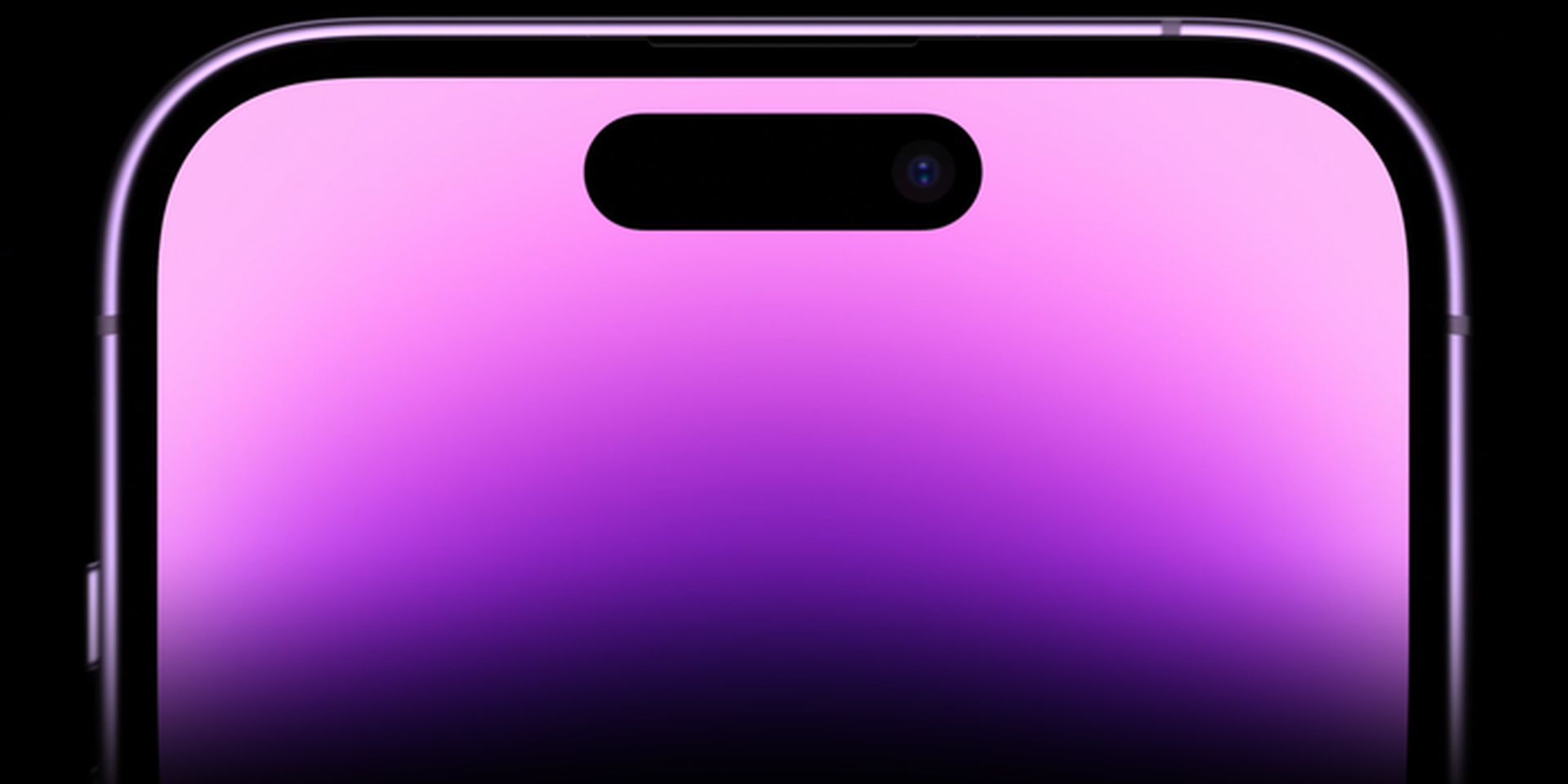
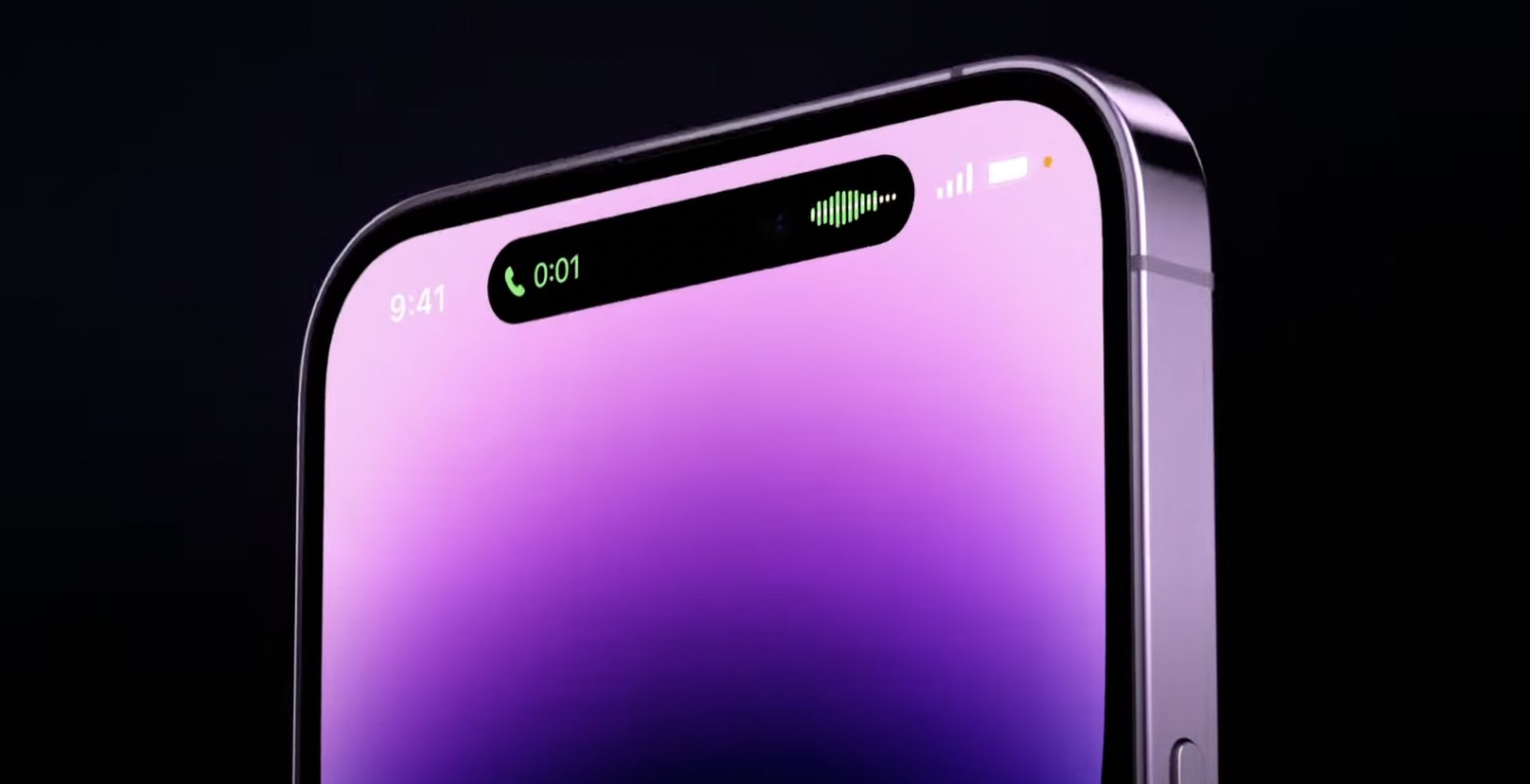
Dynamic Island, the latest unique feature on the iPhone 14 Pro, is catching the world by storm. This new way of interacting with your iPhone’s current tasks and activities via the pill cutout in the iPhone display enables for a range of new interactions. You may receive notifications, check what’s playing, track upcoming deliveries, and much more.
Today, we are covering the Dynamic Island pet widget Pixel Pals and how to get it, so you can get these small pets around your iPhone’s Dynamic Island.
Dynamic Island pet widget Pixel Pals explained: How to use it?

Third-party developers now have access to and the ability to construct their own interactive Dynamic Island features, thanks to Apple. This opens up a number of new ideas and methods to use the new Dynamic Island, and Pixel Pals is our first look at how third-party developers may use it. Let’s take a closer look at Pixel Pals for Dynamic Island, the Dynamic Island pet widget, on the iPhone 14 Pro and Pro Max.

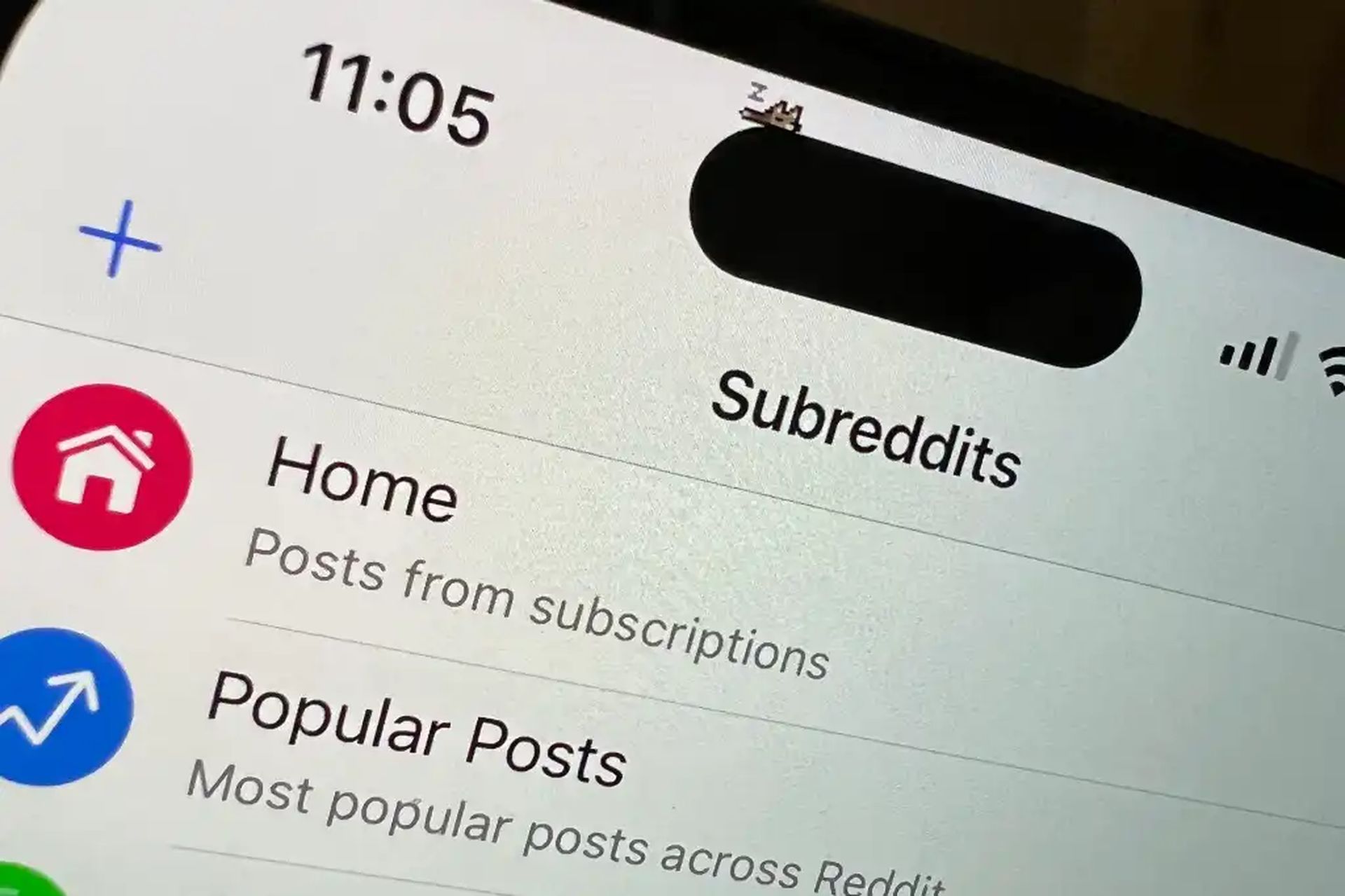
Pixel Pals are Tamagotchi-like critters that dwell on your Dynamic Island at the top of the screen. Pixel Pals are provided by Apollo, a third-party Reddit client that you may download and install on your iPhone. Despite the high-quality information in your news feeds, Reddit may be tiresome at times. Pixel Pals are intended to be your companions as you browse Reddit, as well as a sight to behold if you’ve had enough of scrolling through many topics. The next section will demonstrate how to get the Dynamic Island pet widget on the iPhone 14 Pro and Pro Max.
Today, we are covering the Dynamic Island pet widget Pixel Pals and how to get it, so you can get these small pets around your iPhone’s Dynamic Island.
Dynamic Island pet widget Pixel Pals explained: How to use it?

How to get Dynamic Island pet widget Pixel Pals?

  1. Using the link below, download and install Apollo on your iPhone.
  2. Now, launch the app and go to the bottom of the screen and select Settings.
  3. Select General by tapping.
  4. Tap Pixel Pals in the Other section at the bottom.
  5. At the top of your screen, tap and hold the Dynamic Island Zoo toggle to turn it off.
  6. Tap and choose your favorite pet.
  7. And there you have it! The Pixel Pal you’ve chosen will be added to your Dynamic Island on the iPhone 14 Pro and Pro Max.

Requirements

  • Apollo v1.14.2 or higher
  • iPhone 14 Pro or iPhone 14 Pro Max
  • iOS 16 or higher
Today, we are covering the Dynamic Island pet widget Pixel Pals and how to get it, so you can get these small pets around your iPhone’s Dynamic Island.
Dynamic Island pet widget Pixel Pals explained: How to use it?

How many pets are available for the Dynamic Island?

The five critters listed below are available when you utilize Pixel Pals in the Apollo app on your iPhone 14 Pro.

  • Cat (Hugo)
  • Dog (Rupert)
  • Hedgehog (Chortley)
  • Fox (Finnegan)
  • Axolotl (Mochi)

Hugo and Rupert are both free to use, however adding Chrotley, Finnegan, and Mochi to your Dynamic Island will need an Apollo Ultra membership. Push notifications, customized app icons, theming, and other features are included with the Apollo Ultra membership, which costs $0.99 per month.
Today, we are covering the Dynamic Island pet widget Pixel Pals and how to get it, so you can get these small pets around your iPhone’s Dynamic Island.
Dynamic Island pet widget Pixel Pals explained: How to use it?

Can other iPhone users get Pixel Pals?

Pixel Pals are available to iPhone users that do not have a Dynamic Island. Instead of adding the pet to your iPhone’s notch, you may add them to your lock screen.

We hope that you enjoyed this article on Dynamic Island pet widget Pixel Pals explained: How to use it. If you did, we are sure that you will also enjoy reading some of our other articles, such as how to use the Dynamic Island on iPhone 14, or iPhone 14 Always on Display not working: How to fix the iOS 16 error.

Tags: Dynamic Islandhow toiOS 16Pixel Pals
ShareTweet
Önder Erdine

Önder Erdine

Related Posts

How to install mods and custom content in The Sims 2

How to install mods and custom content in The Sims 2

26 December 2025
Running Python files and fixing path errors on Windows

Running Python files and fixing path errors on Windows

26 December 2025
How to boot your PC into Command Prompt for troubleshooting

How to boot your PC into Command Prompt for troubleshooting

26 December 2025
How to delete a virus using Command Prompt

How to delete a virus using Command Prompt

26 December 2025

LATEST

New WhatsApp update brings 2026 stickers and video call effects

Leaker reveals Xiaomi plans for high end eSIM device in 2026

HP prepares OMEN OLED monitor reveal for CES 2026

High RAM costs from AI boom could delay next Xbox and PlayStation

LG to unveil its Gallery TV at CES 2026

Bitcoin drops 3% to $87,300 as altcoins decline

How to install mods and custom content in The Sims 2

Running Python files and fixing path errors on Windows

How to boot your PC into Command Prompt for troubleshooting

How to delete a virus using Command Prompt

TechBriefly

© 2021 TechBriefly is a Linkmedya brand.

  • Tech
  • Business
  • Science
  • Geek
  • How to
  • About
  • Privacy
  • Terms
  • Contact
  • | Network Sites |
  • Digital Report
  • LeaderGamer

Follow Us

No Result
View All Result
  • Tech
  • Business
  • Crypto
  • Science
  • Geek
  • How to
  • About
    • About TechBriefly
    • Terms and Conditions
    • Privacy Policy
    • Contact Us
    • Languages
      • 中文 (Chinese)
      • Dansk
      • Deutsch
      • Español
      • English
      • Français
      • Nederlands
      • Italiano
      • 日本语 (Japanese)
      • 한국인 (Korean)
      • Norsk
      • Polski
      • Português
      • Pусский (Russian)
      • Suomalainen
      • Svenska