
TechBriefly
  • Tech
  • Business
  • Crypto
  • Science
  • Geek
  • How to
  • About
    • About TechBriefly
    • Terms and Conditions
    • Privacy Policy
    • Contact Us
    • Languages
      • 中文 (Chinese)
      • Dansk
      • Deutsch
      • Español
      • English
      • Français
      • Nederlands
      • Italiano
      • 日本语 (Japanese)
      • 한국인 (Korean)
      • Norsk
      • Polski
      • Português
      • Pусский (Russian)
      • Suomalainen
      • Svenska
No Result
View All Result
TechBriefly
Home How to
Tower of Fantasy Rapid Repair Device guide

Tower of Fantasy Rapid Repair Device guide

Spend some time now, save some time later...

Kaan K.byKaan K.
4 October 2022
in How to
Reading Time: 2 mins read
Share on FacebookShare on Twitter

We’ll be providing you with the Tower of Fantasy Rapid Repair Device guide in this article. Tower of Fantasy is now one of the most popular action RPG games in which you play in an open environment with other players from all around the world. You will discover an exotic environment, face deadly bosses, and beat them in order to collect precious rewards while also fulfilling objectives and following the plot. It is available on Steam or through the Google Play Store for Android and iOS mobile phones, you can get the game here.

But in Tower of Fantasy, it’s crucial to match the right characters with the right weaponry. This is because, unlike in Genshin Impact, where characters’ skills are most important, the weapons can offer a significant boost. Don’t forget to check out the Tower of Fantasy weapon tier list and learn how to redeem codes in the game!

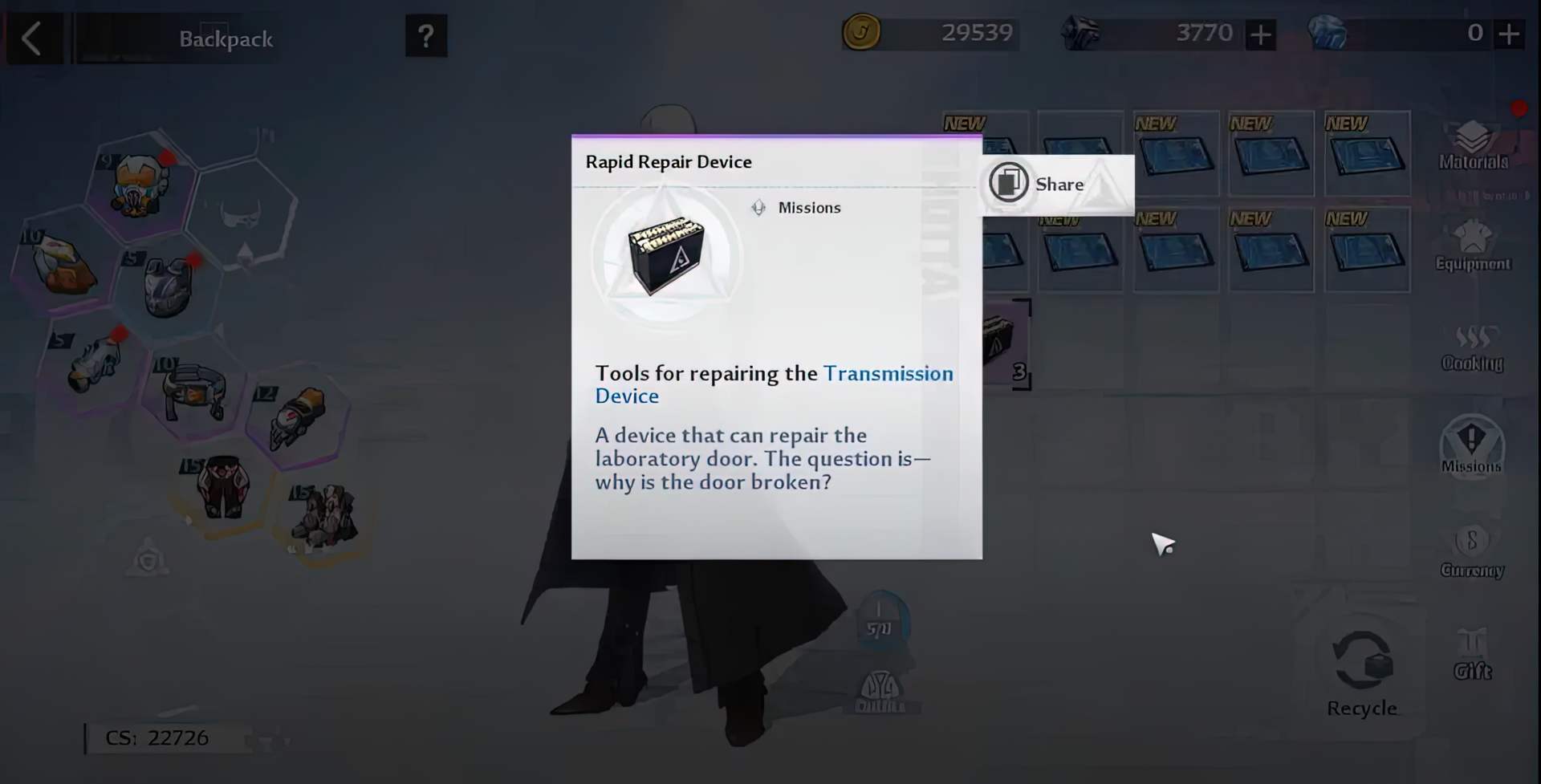
How to utilize Tower of Fantasy Rapid Repair Device?

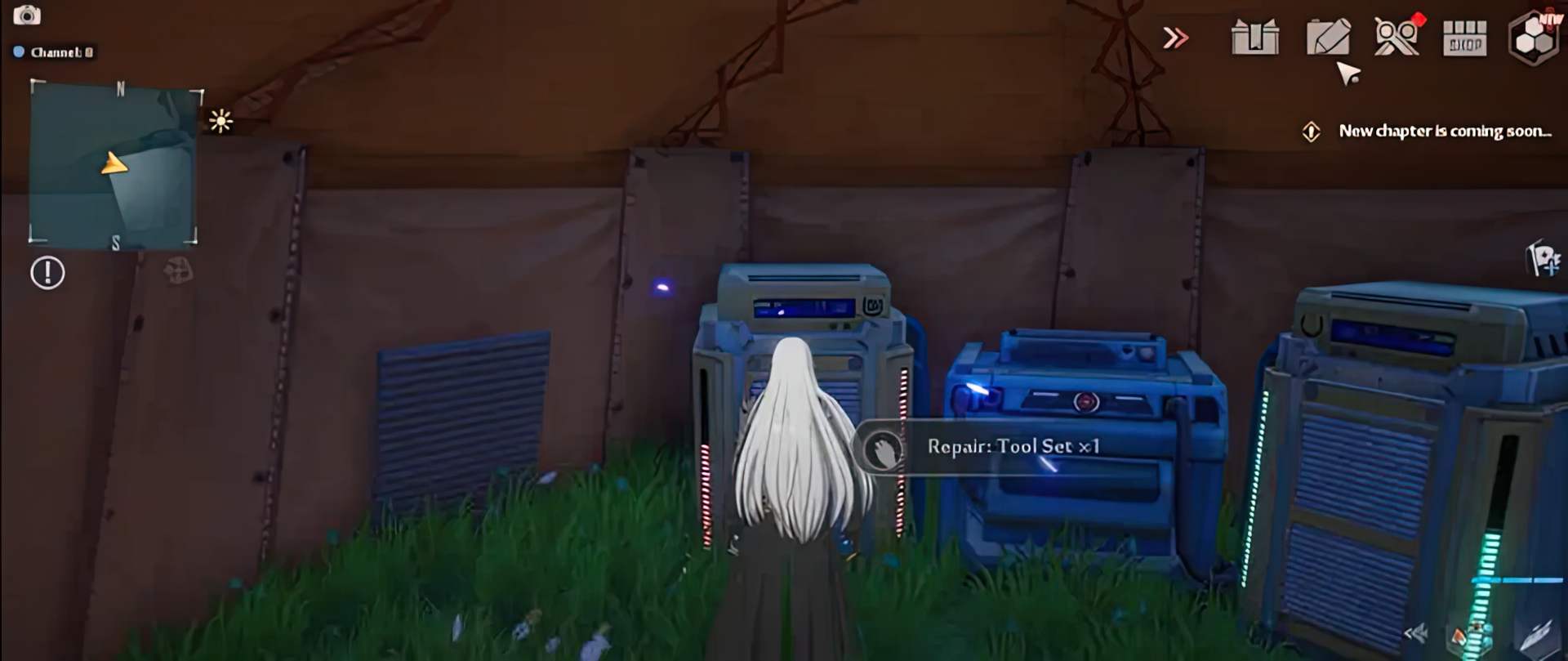
You must first visit the Artificial Island, then proceed to the tent and utilize the Repair Tool Set. Purchase a gift from the Crystal Dust Shop and use it to fix the power supply facility.
tower of fantasy rapid repair device
Tower of Fantasy Rapid Repair Device guide

After that, you must go to angry aberrant and obtain the Institute Key. The Institute Key will appear at random at transmission gates. See the image below for the actual location.

tower of fantasy rapid repair device
Tower of Fantasy Rapid Repair Device guide

Fight the enraged aberrant to obtain the Institute Key. The following step is to activate the North Gemini Island teleport. To activate the transmitting device, enter your Institute Key. Go to South Gemini island after unlocking North Gemini island.

tower of fantasy rapid repair device
Tower of Fantasy Rapid Repair Device guide

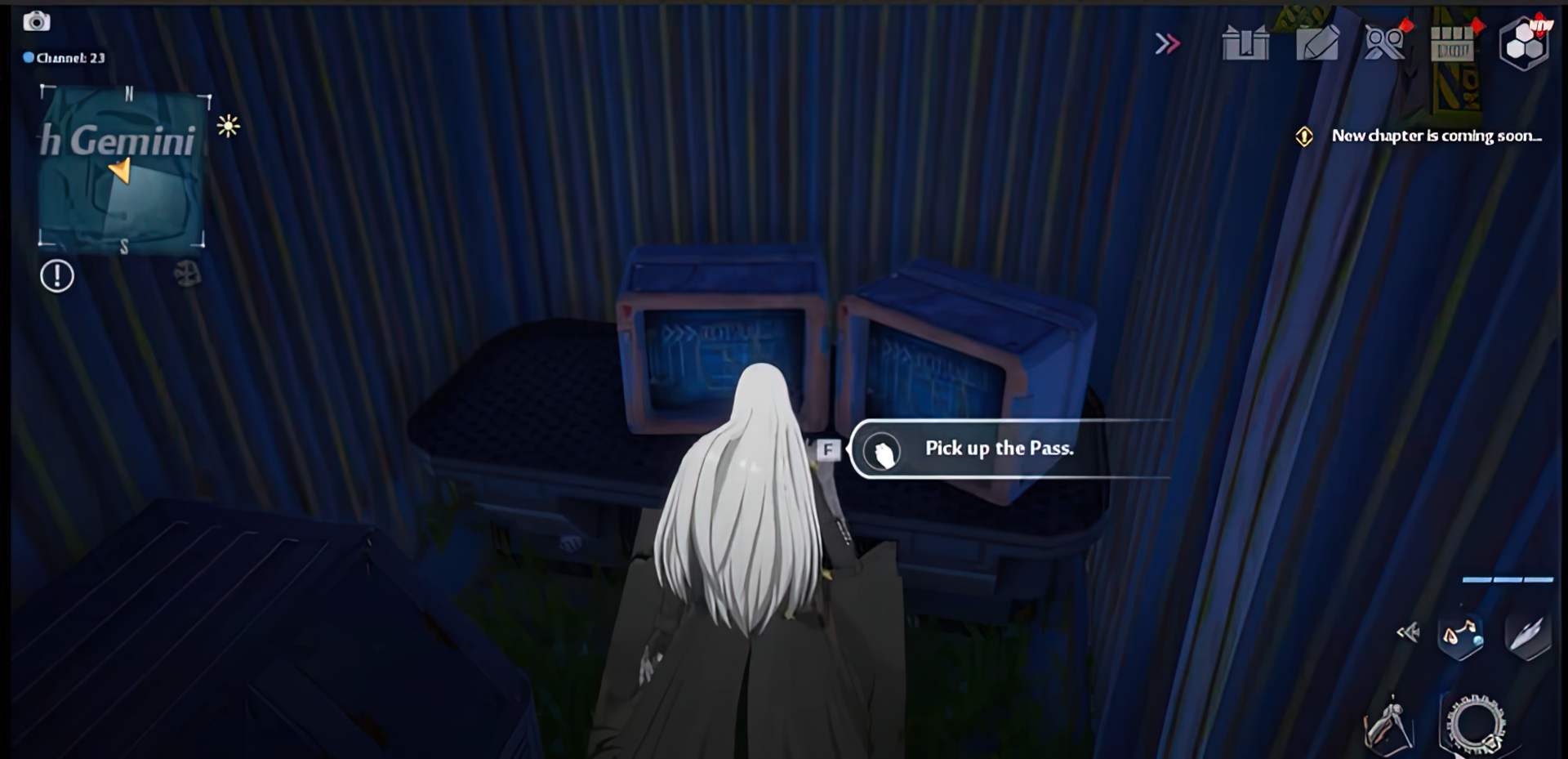
You must now obtain a Permission Card: Tyrone. Climb the huge wall and, when you reach the thorny wall, use your teleport to climb to the top. The pass should be available from a modest hiding spot near the summit.
tower of fantasy rapid repair device
Tower of Fantasy Rapid Repair Device guide

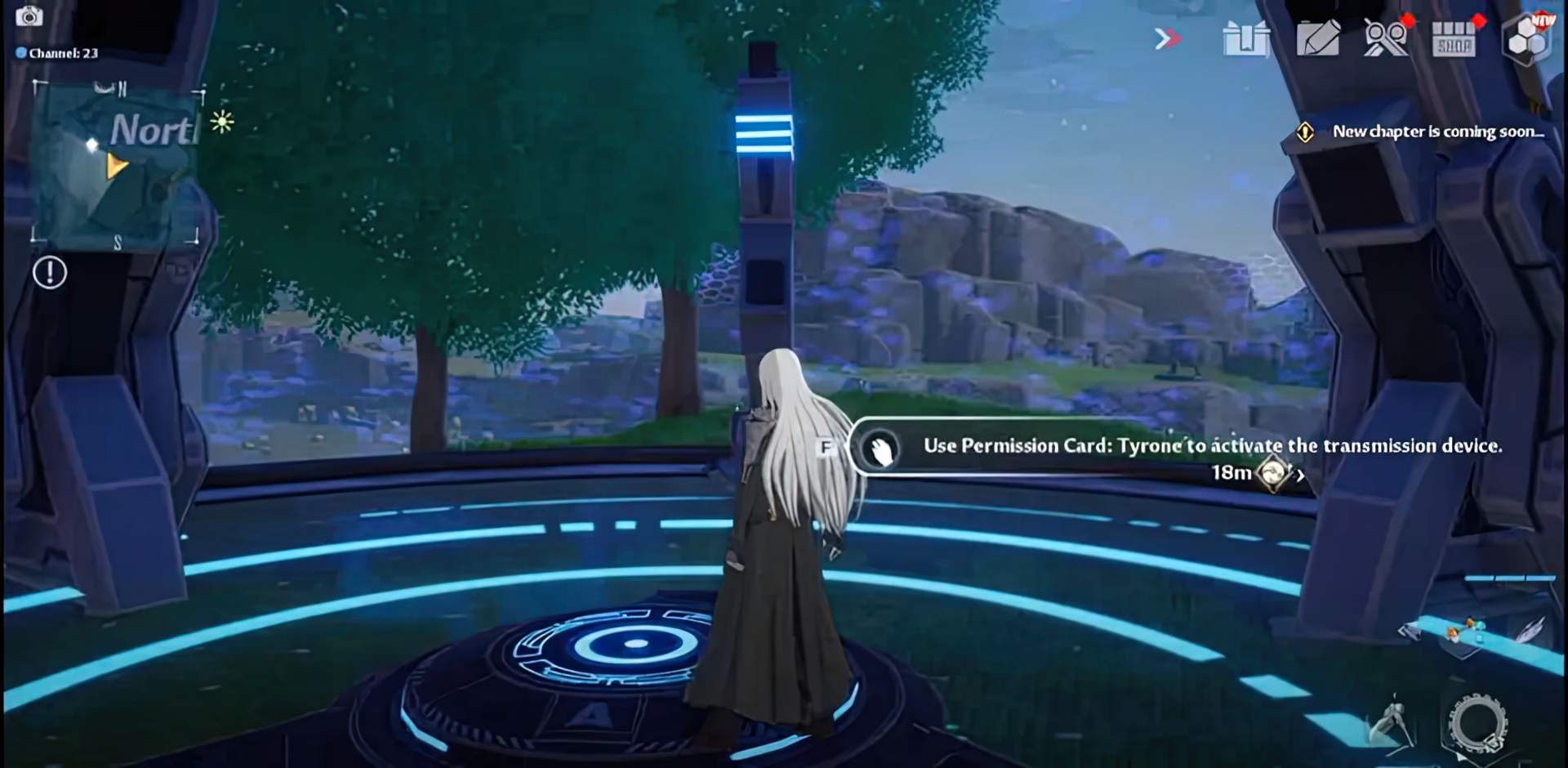
Then, proceed to the unlocked North Gemini island. You must next proceed to the Sea Horizon Stand. You should expect a lot of rock climbing to get to your goal. To activate the transmitting equipment, you must provide your Permission Card: Tyrone.
tower of fantasy rapid repair device
Tower of Fantasy Rapid Repair Device guide

It’s time to get your hands on the Permission Card: Morris. You are still at the Sea Horizon Stand. Get ready to climb until you reach a meadow where you’ll have to kill a few evil enemies before reaching the platform to collect the Pass.

tower of fantasy rapid repair device
Tower of Fantasy Rapid Repair Device guide

When you have the Pass, you must go to Earwayn Island to listen to it.

tower of fantasy rapid repair device
Tower of Fantasy Rapid Repair Device guide

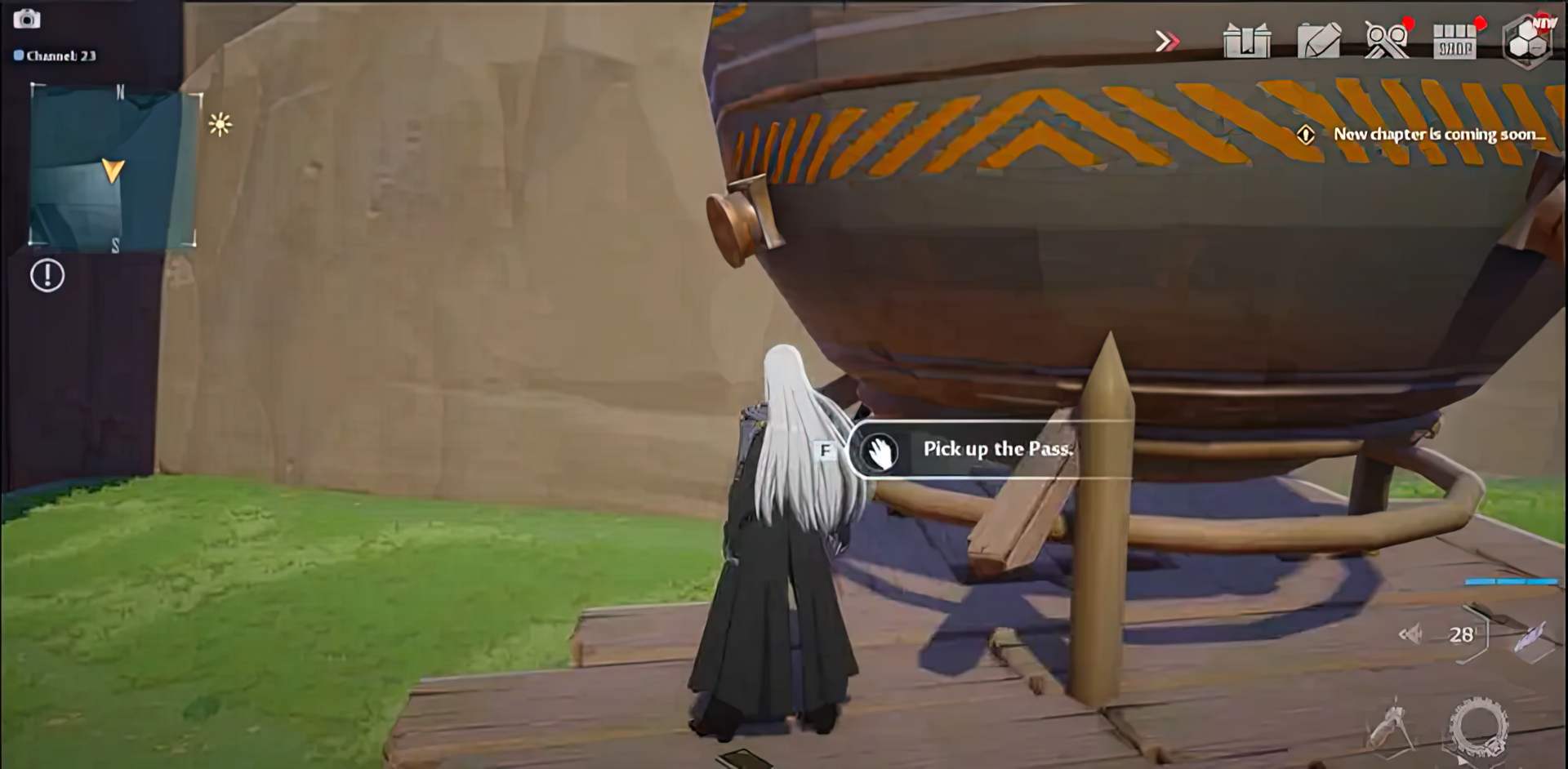
When you get at the platform, use the Permission Card: Morris to activate the transmission device. The next step is to locate Damien’s Permission Card. It’s on top of a massive iron item with a tank on it.

tower of fantasy rapid repair device
Tower of Fantasy Rapid Repair Device guide
tower of fantasy rapid repair device
Tower of Fantasy Rapid Repair Device guide

You must utilize the Rapid Repair Device to go to Diurnal Islet now that you have everything you need. To activate the transmitting gadget, use your Permission Card: Damien.

That’s all! We hope that you enjoyed this article on Rapid Repair Device. If you did, we are sure that you will also enjoy reading some of our other articles, such as Tower of Fantasy character tier list: Which one is the best, or Fortnite Paradise Discord Quests: How to complete.

Tags: guidehow totower of fantasy
ShareTweet
Kaan K.

Kaan K.

Related Posts

How to extract RAR and ZIP archives on Android phones or tablets

How to extract RAR and ZIP archives on Android phones or tablets

27 January 2026
How to get stunning results with Android photos and screenshots

How to get stunning results with Android photos and screenshots

27 January 2026
How to view and delete Google search activity and browsing history

How to view and delete Google search activity and browsing history

27 January 2026
How to identify and safely respond to NFC tag detected alerts

How to identify and safely respond to NFC tag detected alerts

27 January 2026

LATEST

Gemini 3 becomes the global standard for Google AI Overviews

Yahoo launches Scout: A Claude-powered AI “Answer Engine”

Meta introduces lockdown-style security for WhatsApp accounts

Firefly-powered Generative Fill gets a detail boost and 2K output

OpenAI launches Prism: A free AI-native workspace for scientists

Bluesky 2026: Shoring up the core to win back users

TikTok and Snap settle: Meta and YouTube face jury over tech addiction case

Amazon to pay $1 billion to resolve return lawsuit

Anthropic doubles funding target to $20B as valuation hits $350B

New Google Photos update lets you edit smiles and remove sunglasses with text

TechBriefly

© 2021 TechBriefly is a Linkmedya brand.

  • Tech
  • Business
  • Science
  • Geek
  • How to
  • About
  • Privacy
  • Terms
  • Contact
  • | Network Sites |
  • Digital Report
  • LeaderGamer

Follow Us

No Result
View All Result
  • Tech
  • Business
  • Crypto
  • Science
  • Geek
  • How to
  • About
    • About TechBriefly
    • Terms and Conditions
    • Privacy Policy
    • Contact Us
    • Languages
      • 中文 (Chinese)
      • Dansk
      • Deutsch
      • Español
      • English
      • Français
      • Nederlands
      • Italiano
      • 日本语 (Japanese)
      • 한국인 (Korean)
      • Norsk
      • Polski
      • Português
      • Pусский (Russian)
      • Suomalainen
      • Svenska