

Today we explain how to transfer FIFA points from 22 to 23. The ability to transfer FIFA Points from FIFA 22 to FIFA 23 Ultimate Team will soon be available to players.
Players are getting ready to make the most of their limited early access to FUT 23 when the FIFA 23 FUT Web App launches on September 21, 2022, and the FUT Companion App launches on September 22, 2022. The purchase of packs, which are redeemed with FIFA Points, is one of the methods that players choose to assemble their teams.
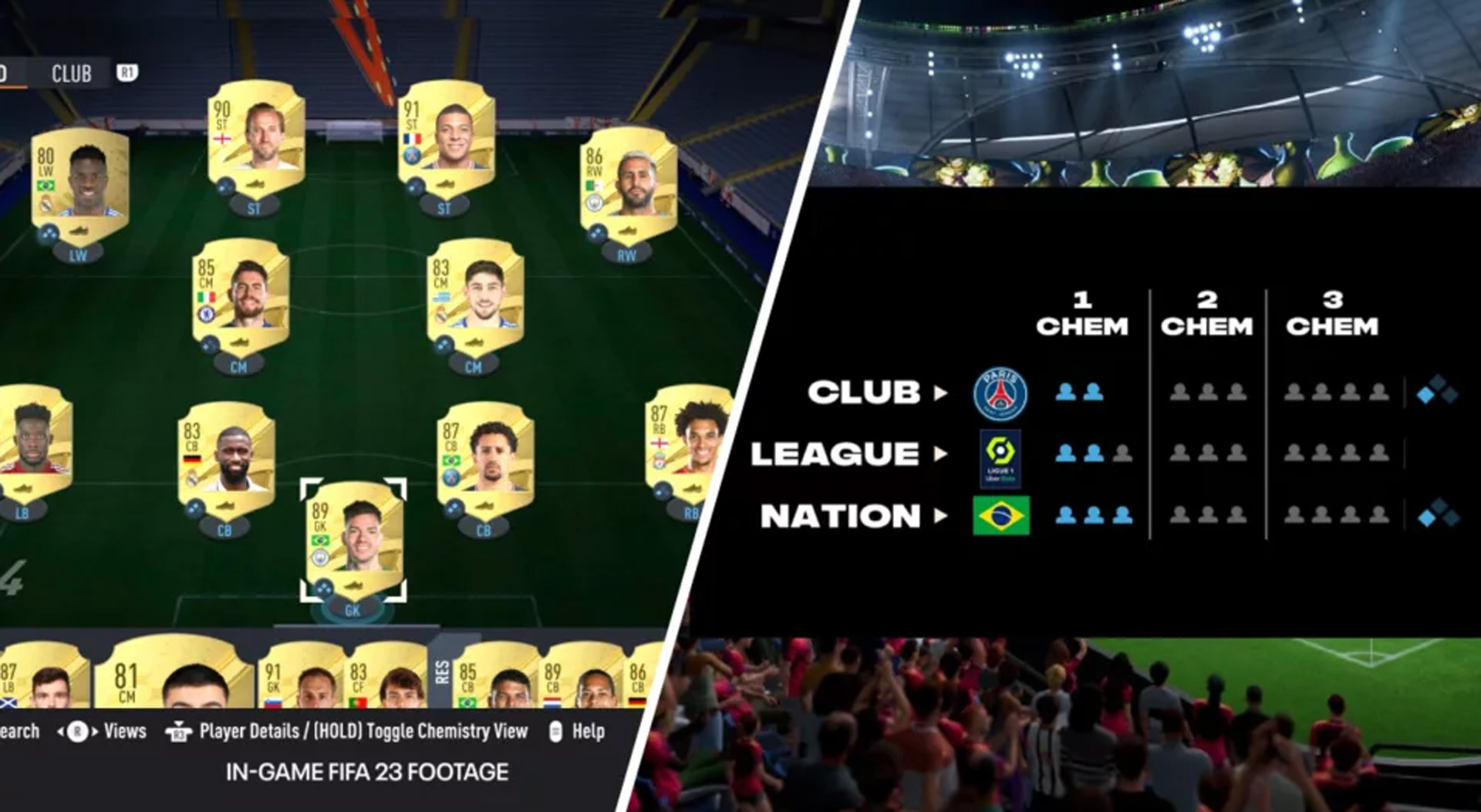
Do FUT 23 apps allow transfer FUT 22 content?
The FUT 23 Web App and FUT 23 Companion App will not allow players to transfer FIFA Points from FIFA 22 to FIFA 23. This has been confirmed by EA. Players can only transfer FIFA Points from their FIFA 22 Ultimate Team account to their FIFA 23 account by starting the full game on their console or computer.
Therefore, you will have to wait till you can access the entire game if you want to start your FIFA 23 Ultimate Team journey by transferring some FIFA Points while playing on a console or PC. The earliest you can get the entire game is Tuesday, September 27, 2022, if you pre-ordered the FIFA 23 Ultimate Edition or are an EA Play subscriber. On Friday, September 30, 2022, the game will be made available worldwide to everyone else.

How to transfer FIFA points from 22 to 23?
Only your FUT Club Profile, FUT 23 Pre-Season prizes, and FIFA Points can be transferred from your FUT 22 account to your FUT 23 account in FIFA 23. The Pre-Season Rewards are the rewards obtained in FUT 22 during the Pre-Season Promo, and your FUT Club Profile is your club name and the year it was founded. As previously mentioned, FIFA Points may only be carried over when you access FIFA 23 on a console or computer.
You will be prompted to confirm whether you want to transfer any remaining FIFA Points from your FUT 22 account to your FUT 23 account when you first log on to FIFA 23 on your console or computer. Once you confirm, however, you cannot change your mind. The following items won’t be carried over to FUT 23: Coins, Packs, Player Items, Consumables, club info, and records.
By selecting the “+” sign in the top-right corner of the screen next to the number of FIFA Points you currently have, PC users of FIFA 22 can purchase FIFA Points using the FUT Web App. It’s unclear if PC users will still have access to this feature in the FUT 23 Web App.
On Friday, September 30, 2022, FIFA 23 will be made available for PS5, Xbox One, PC, Stadia, Xbox Series X, and Xbox Series S. Ahead of its release on Tuesday, September 27, 2022, FIFA 23’s Ultimate Edition will be available to players who have pre-ordered it or who have an EA Play subscription.
How does FIFA 23 cross play work?
One of the primary components of FIFA 23, which was formally announced earlier this month, is expanded cross-play capabilities. FIFA 23 will support cross play for a range of online game modes on multiple platforms from the same generation.
According to this, players on the PlayStation 4 and Xbox One can compete against one another, and in some online modes, players on the PlayStation 5, Xbox Series X|S, Stadia, and PC (yes, it’s not a member of the next-gen family) can as well. You can play online friendlies or the Play a Friend feature of FIFA Ultimate Team. Click to learn how cross play works in FIFA 23.


