
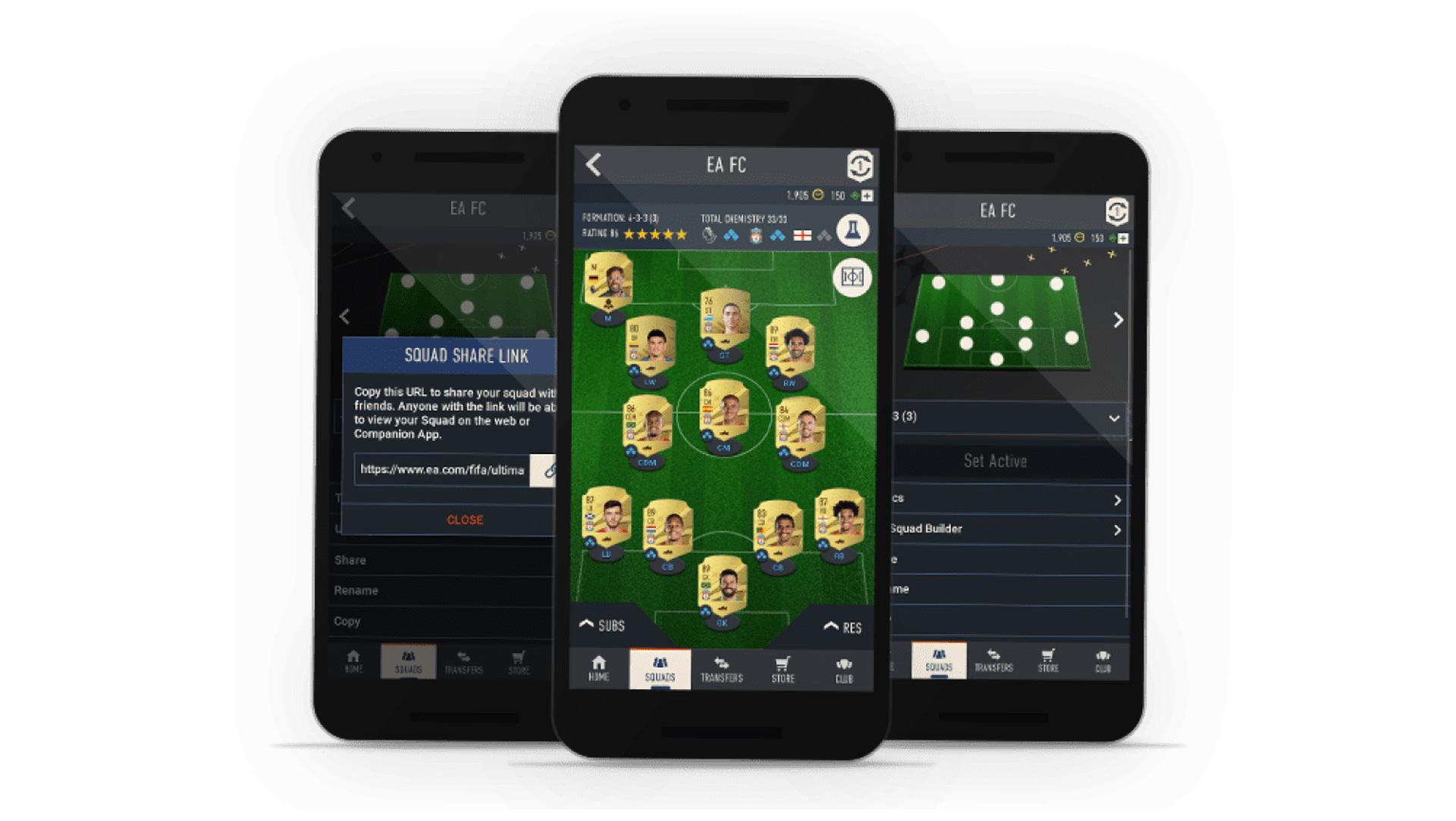

Today we explain how to buy FIFA points on web app. We have all the information you’ll need to get started if you’re wondering how to purchase FIFA Points on the FIFA 23 Web App. When a new FIFA cycle begins, it might be difficult to know what you can and cannot do, and EA unfortunately prohibits several activities in the early going. To learn how to purchase FIFA Points on the FIFA 23 Web App, be sure to read the guide below.
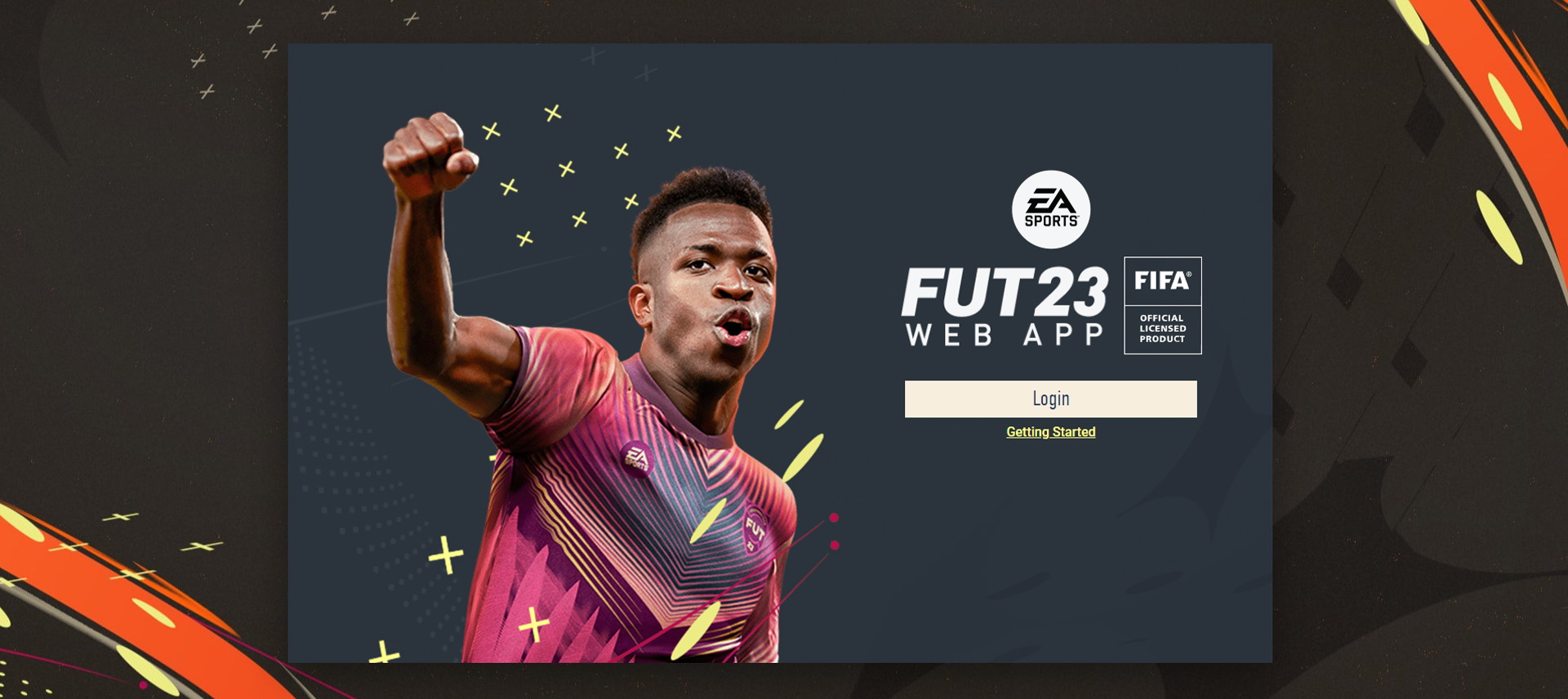
How to buy FIFA points on web app?
The short answer is that, regrettably, you cannot currently purchase FIFA Points through the FIFA 23 Web App.
Only the packs button, which displays the four gold and classic packs that are for sale, is present in the store section, where you would normally find the option to buy them.
It is clear that this is a planned decision on the part of EA and not some type of bug because you can’t even open packs using FIFA Points at this time; you have to buy them with cash. Additionally, a pop-up message that reads “Sorry, you cannot get Packs with FIFA Points” will show on the right side of the screen when you select the store tab. Using coins, you may still purchase packs.
When can you buy FIFA points?
It’s unlikely that you’ll be able to buy any FIFA Points for FIFA 23 until after the complete game launches for EA Play and Ultimate Edition gamers on September 27.
However, there is still a possibility for you to buy FIFA Points in advance of the game’s console activation. You may buy FIFA Points for FIFA 22 by going to the store that corresponds to your platform.
The major drawback of this approach is that it still necessitates waiting until at least September 27 because FIFA Points can only be transferred when the console version of the game is launched.
So there you have it—everything you needed to know about how to get FIFA Points on the FIFA 23 Web App. Unfortunately, most people will find this information to be unsatisfactory.
You may be wondering, “Is the FIFA 23 Web App down?” if you have attempted to begin or continue your Ultimate Team quest but have been confronted with a rejection screen. Being locked out is especially annoying because it is an exciting time to be a FIFA player and all you want to do is trade and create your team. Therefore, to get all the responses to the query “Is the FIFA 23 Web App Down?” keep reading.
Is the FIFA 23 Web App down?
Currently, when you try to sign in to the FIFA 23 Web App, a screen will appear telling you that your EA account does not already have a FUT 23 club and that you must create one on your console or PC in order to proceed.
It appears that no one is currently able to log in as this screen is there for both new players and those who were able to begin using the Web App when it first opened.
The obvious problem with this is that there doesn’t seem to be a solution because, in order to resolve the problem that the error is presenting, you need to have access to a game that hasn’t yet been released. Therefore, we may infer that this is a mistake on EA’s part that will hopefully be corrected shortly.
Do you know how to fix failed to submit challenge SBC? Click here to find out the answer.


