
TechBriefly
  • Tech
  • Business
  • Crypto
  • Science
  • Geek
  • How to
  • About
    • About TechBriefly
    • Terms and Conditions
    • Privacy Policy
    • Contact Us
    • Languages
      • 中文 (Chinese)
      • Dansk
      • Deutsch
      • Español
      • English
      • Français
      • Nederlands
      • Italiano
      • 日本语 (Japanese)
      • 한국인 (Korean)
      • Norsk
      • Polski
      • Português
      • Pусский (Russian)
      • Suomalainen
      • Svenska
No Result
View All Result
TechBriefly
Home How to
How to become a werewolf in Sims 4?

How to become a werewolf in Sims 4?

If you ever wondered how to become a werewolf in Sims 4, you've come to the right place.

Önder ErdinebyÖnder Erdine
17 June 2022
in How to
Reading Time: 2 mins read
Share on FacebookShare on Twitter

In this article, we are going to be covering how to become werewolf Sims 4, so you can turn your Sim into a nocturnal creature and spread fear among others.

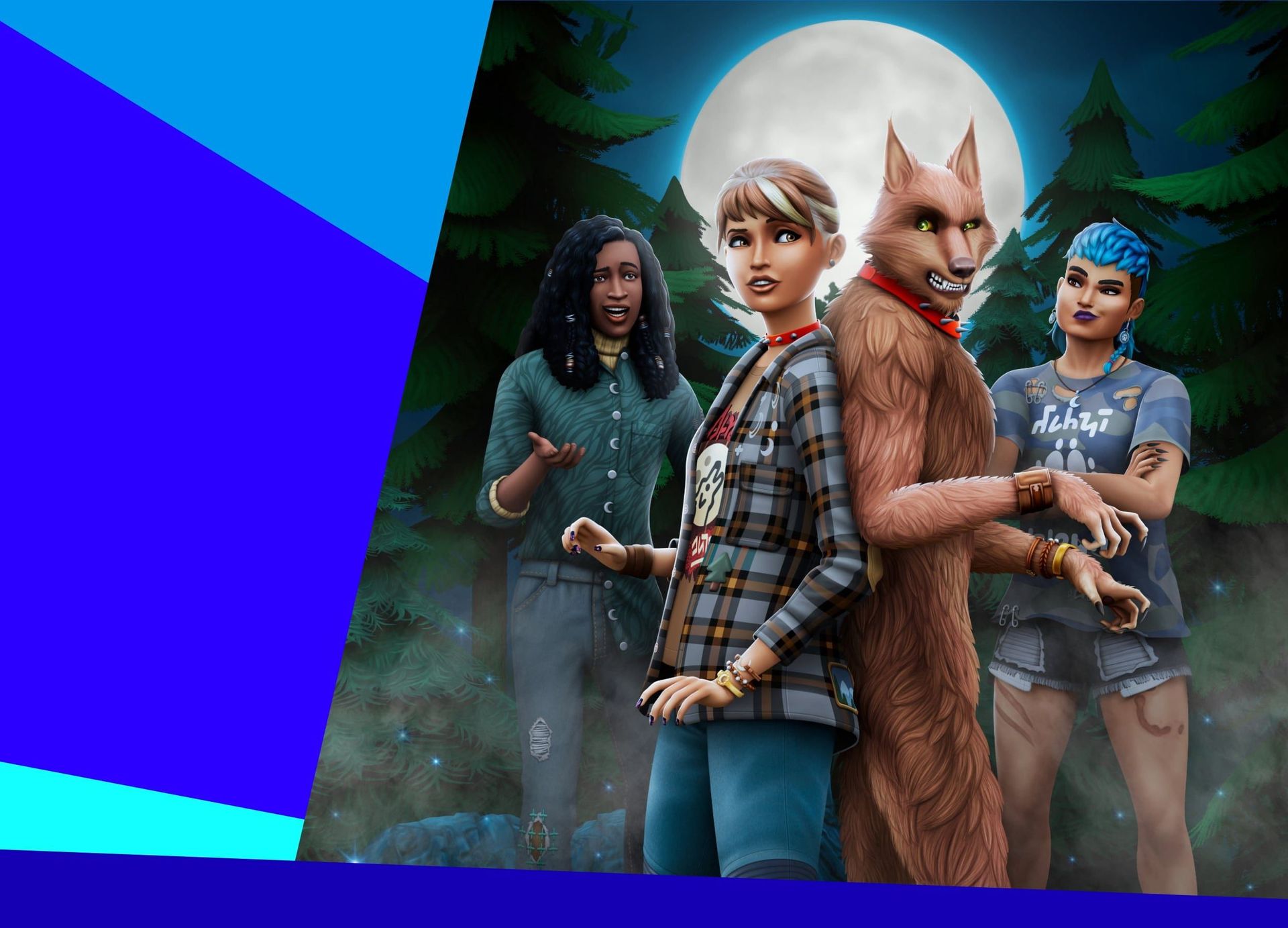
Werewolves, like Vampires, are one of the most well-known “classic” monsters. They’ve shown up in almost every medium over time, including loads of video games. They will soon be introduced to The Sims 4 as well, in the forthcoming Werewolves expansion pack. In this newest expansion, you will have the opportunity to transform your Sim into a werewolf and live out the furry fantasy for yourself. But how to become werewolf Sims 4? You can become a Werewolf in The Sims 4 Werewolves Pack in one of several methods, which we shall discuss in depth below.

In this article, we are going to be covering how to become werewolf Sims 4, so you can turn your Sim into a nocturnal creature and spread fear among others.
How to become werewolf Sims 4?

How to become werewolf Sims 4?

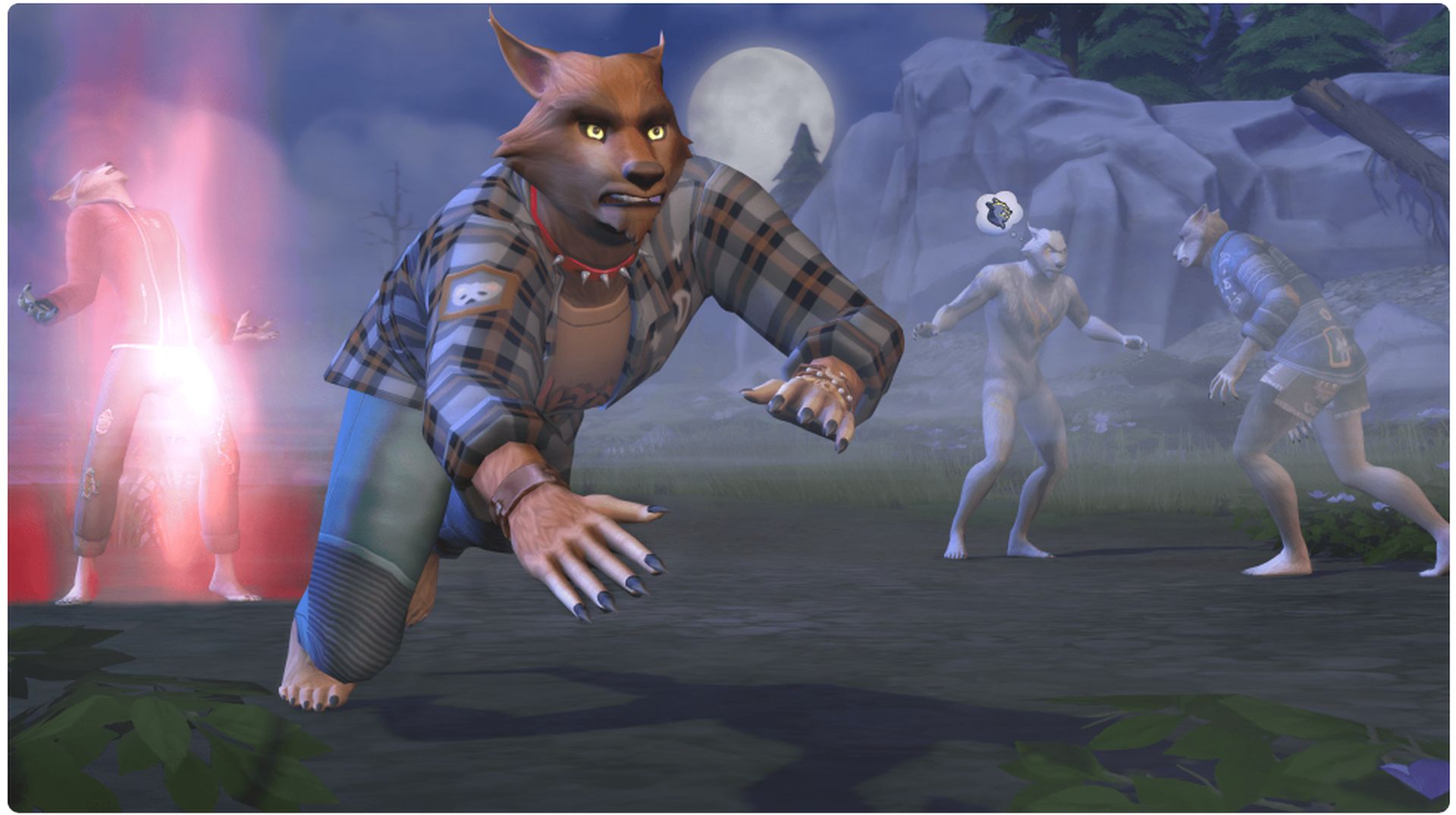
There are four options for achieving this. The first of these is the most standard: have a Werewolf bite you. Invite an already established Werewolf to bite you with the Ask to Bite interaction. You and your Sim will then be infected with Lycanthropy, which is divided into four phases. This is then divided into four phases. These consist of The Painful Bite, The Insatiable Hunger, and The Ravenous Hunger. It all comes down to your Sim’s first transformation into a full-fledged werewolf at the end of it all.

In this article, we are going to be covering how to become werewolf Sims 4, so you can turn your Sim into a nocturnal creature and spread fear among others.
How to become werewolf Sims 4?

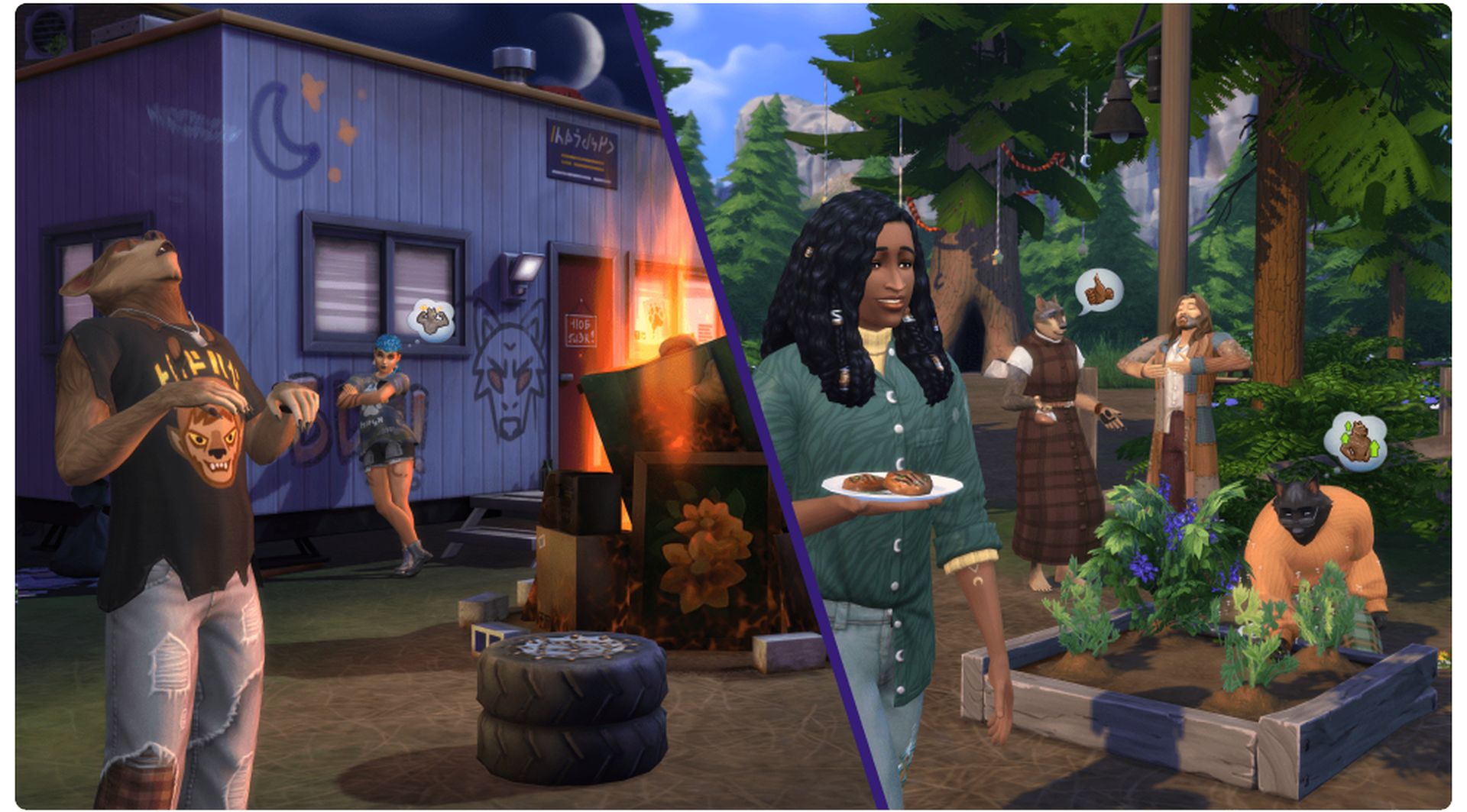
The second approach involves being bitten by a Werewolf. Instead of doing it on purpose, you may be bitten by accident by a wild Werewolf this time. You’ll get Werebies as a result of this. This is a considerably faster method to become a Werewolf than the first one. If you don’t want to end up like that (as it isn’t consensual), go to the Grimtooth Bar immediately. After you’ve done so, say “Ask for the Werebies Remedy” at the bar. Though you should hurry since you have little time before your condition becomes permanent and ceases to be reversible.
In this article, we are going to be covering how to become werewolf Sims 4, so you can turn your Sim into a nocturnal creature and spread fear among others.
How to become werewolf Sims 4?

The third approach is to be a Werewolf by birth. You may be a Greater-Blood Werewolf who has many Werewolf abilities or a Dormant Werewolf who does not have any particular powers. The last approach to becoming a Werewolf in The Sims 4 is to create one in the CAS. Playing as any of these beings will undoubtedly be enjoyable, whether you choose to transform into a Werewolf or not.
In this article, we are going to be covering how to become werewolf Sims 4, so you can turn your Sim into a nocturnal creature and spread fear among others.
How to become werewolf Sims 4?

We hope that you enjoyed this article on how to become werewolf Sims 4. If you did, you might also like to check out our other Sims 4 guides such as how do you enable the Life Tragedies mod in Sims 4, or The Sims 4 update released: How to change a Sim’s pronoun.

Tags: guidehow to
ShareTweet
Önder Erdine

Önder Erdine

Related Posts

How to install mods and custom content in The Sims 2

How to install mods and custom content in The Sims 2

26 December 2025
Running Python files and fixing path errors on Windows

Running Python files and fixing path errors on Windows

26 December 2025
How to boot your PC into Command Prompt for troubleshooting

How to boot your PC into Command Prompt for troubleshooting

26 December 2025
How to delete a virus using Command Prompt

How to delete a virus using Command Prompt

26 December 2025

LATEST

New Punkt MC03 features split OS for better privacy control

Samsung reveals brighter Freestyle+ projector ahead of CES 2026

OpenAI explores prioritized ads for ChatGPT responses

Apple teases something big for Fitness+ in 2026

Samsung SDI rumored to test massive 20000mAh battery

Honor sells over 71 million smartphones in 2025

New WhatsApp update brings 2026 stickers and video call effects

Leaker reveals Xiaomi plans for high end eSIM device in 2026

HP prepares OMEN OLED monitor reveal for CES 2026

High RAM costs from AI boom could delay next Xbox and PlayStation

TechBriefly

© 2021 TechBriefly is a Linkmedya brand.

  • Tech
  • Business
  • Science
  • Geek
  • How to
  • About
  • Privacy
  • Terms
  • Contact
  • | Network Sites |
  • Digital Report
  • LeaderGamer

Follow Us

No Result
View All Result
  • Tech
  • Business
  • Crypto
  • Science
  • Geek
  • How to
  • About
    • About TechBriefly
    • Terms and Conditions
    • Privacy Policy
    • Contact Us
    • Languages
      • 中文 (Chinese)
      • Dansk
      • Deutsch
      • Español
      • English
      • Français
      • Nederlands
      • Italiano
      • 日本语 (Japanese)
      • 한국인 (Korean)
      • Norsk
      • Polski
      • Português
      • Pусский (Russian)
      • Suomalainen
      • Svenska