
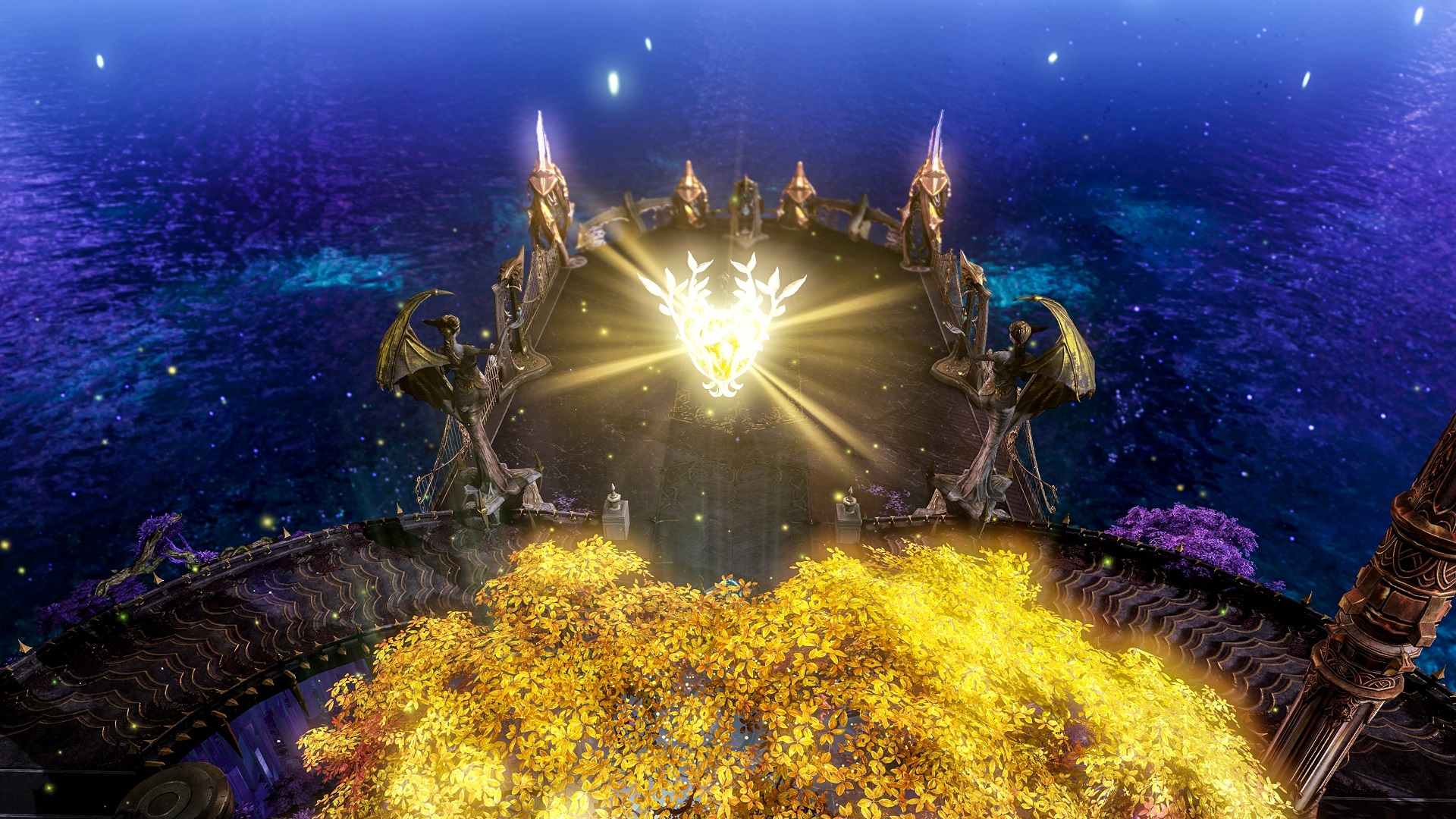

In this guide, we will go over how to get to Volare Island Lost Ark, so you can complete the quests, earn the rewards, and collect all the Mokoko Seeds.
There’s a big hype, only 24 hours after its release Lost Ark has become the second most played in Steam history. If you want to play this trending MMORPG you can check system requirements here. Plus, if you want to know which classes are the best in the game right now, we’ve got you covered. You can download the game here. If you don’t have a Windows 11 PC, it is possible to play Lost Ark on Mac.

You may explore over 100 islands in the MMORPG Lost Ark. During the event on Volare Island, we’ll show you where to find all Mokoko seeds, how to finish all objectives, and get the Heart of the Island. The players may collect three Mokoko seeds, complete a questline, and earn the Island Soul of Volare. They may exchange those souls for rewards by redeeming them for the goddess’ statue in Opher, the Lonely Island. This island soul can be difficult to obtain if you’re out of luck. We will cover how to get it, and more. So if you want to learn how to do so, keep on reading.
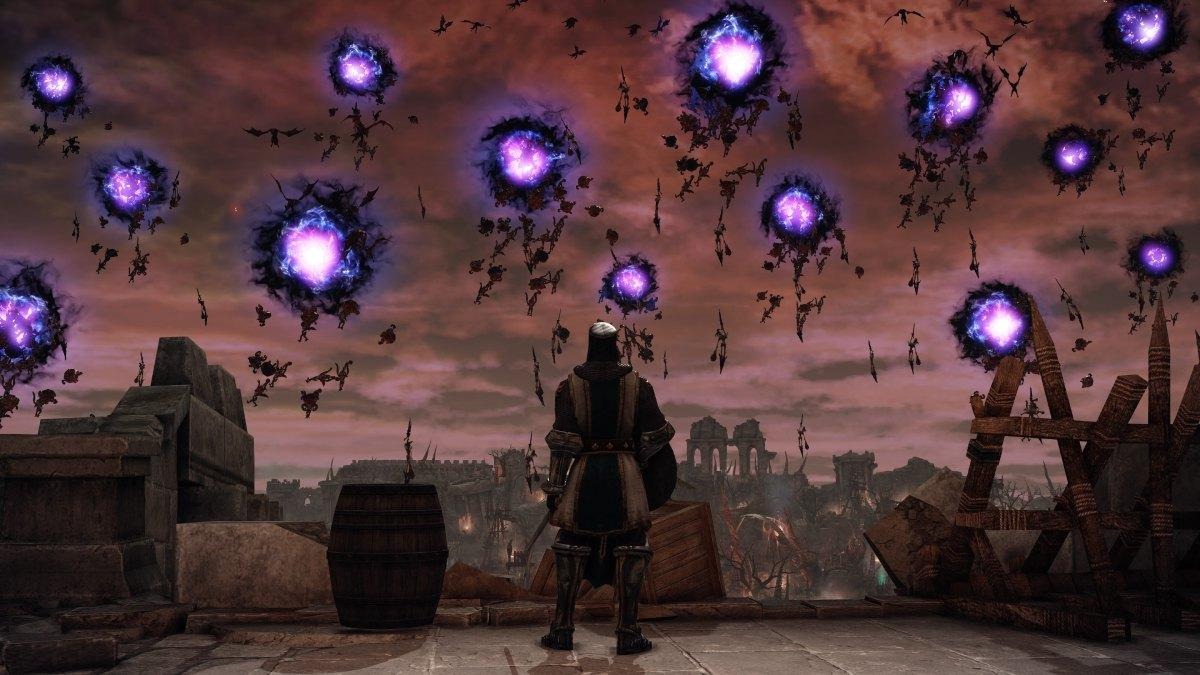
How to get to Volare Island Lost Ark?
To complete this island, the players must reach it first. You may see it on your map, but if the time window has not opened yet or has already closed, as this is an event island, you will find an empty sea when heading there. The average level of the necessary items is 250. If you are not at that level yet, make sure you check out our Lost Ark leveling guide. Here’s how to enter the island.

Click on the blue stopwatch at the left of the screen. A list of events will appear. Look for the Volare Island Lost Ark reopening and keep note of the time. If your menu is inundated with content you’ve already completed, you may turn off their alarms to see what’s important. You can find a time frame that you can log in. If you don’t make it to the subsequent timed event, by opening your calendar at the top of the screen and searching for a date and time where you’ll be able to log in you might find a suitable timeframe for yourself.
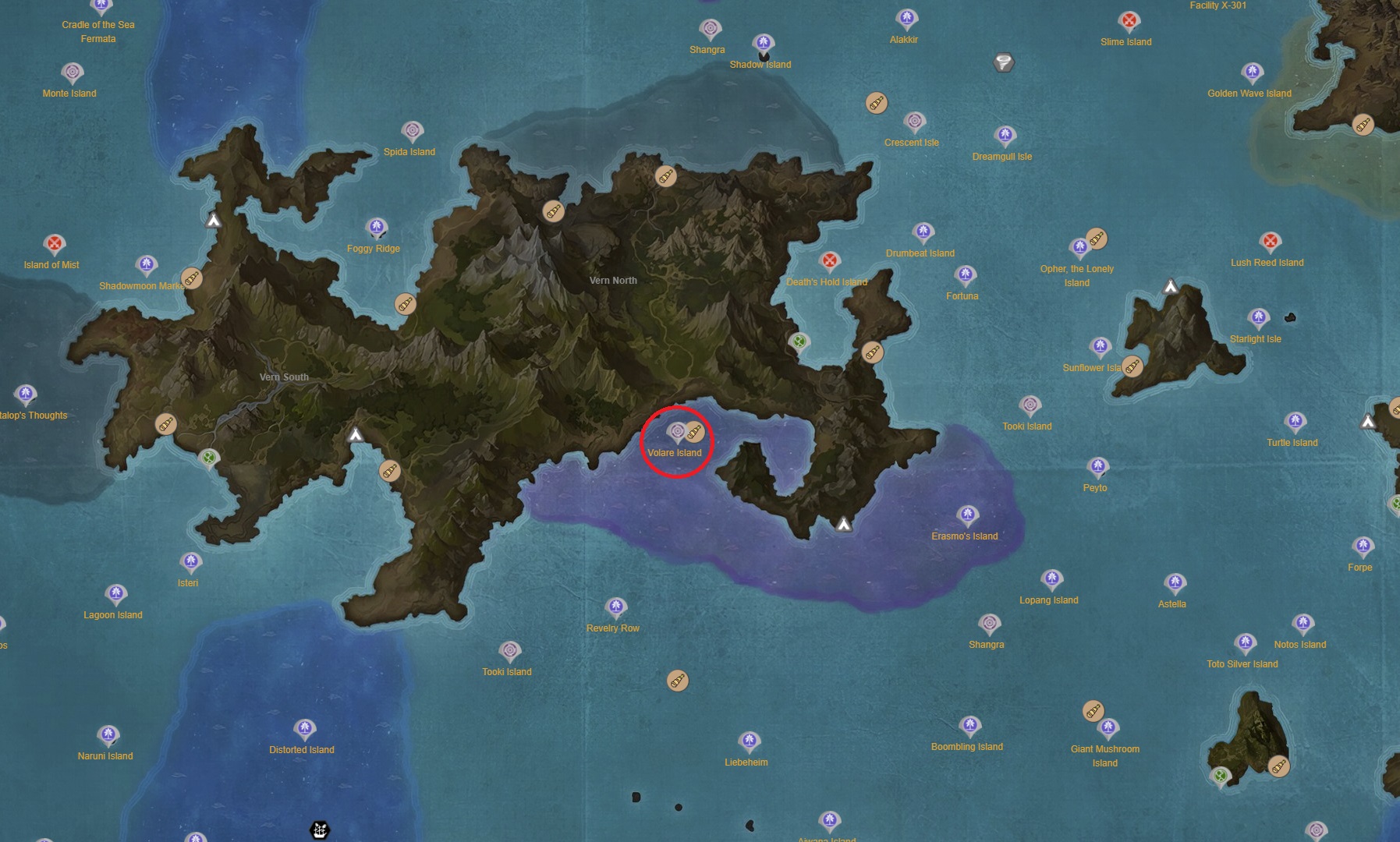
When the island is about to appear, open your map by pressing M. Look for the Volare Island in the search bar section of the map. To discover its position, zoom out on the world map. When the time window opens, go there. It’s a good idea to wait for a little before it closes; however, because you’ll have a co-op quest to finish, it’s preferable to go there ahead of time. You can find the location of the island on the map below.
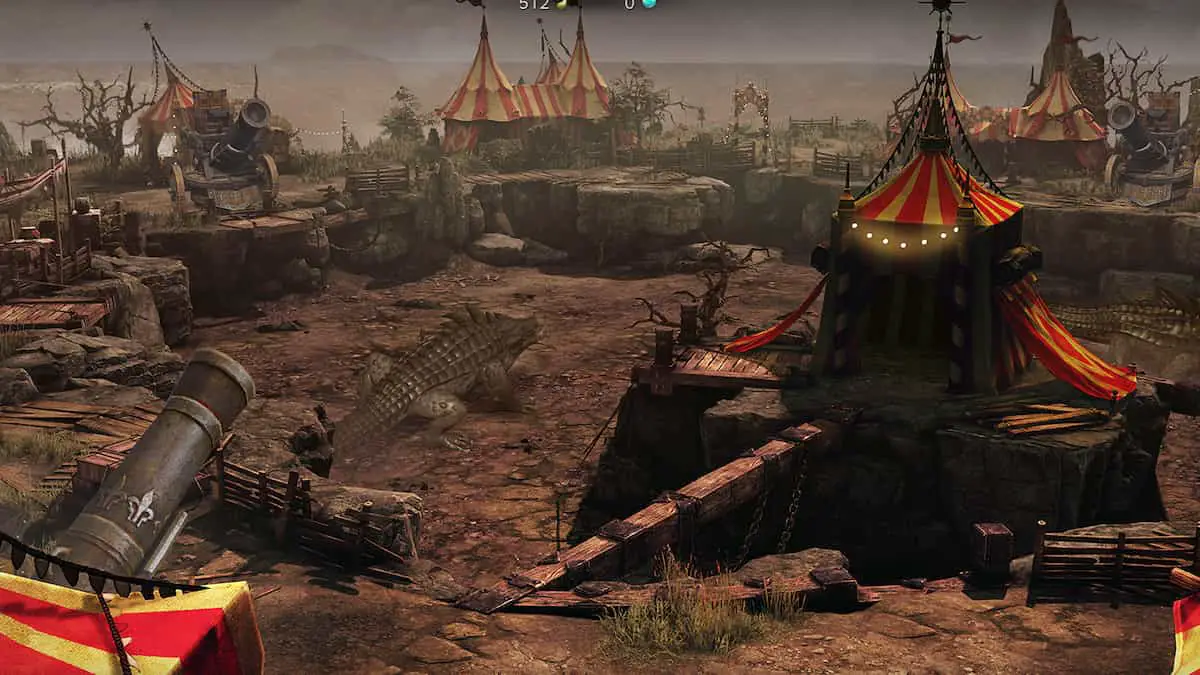
You’ll be able to complete a co-op quest with the other players on the island after you’ve completed this step. It will necessitate your killing of 100 crocodiles, as well as two extremely poisonous crocodiles. However, beware: you can’t destroy them using the usual technique. Here are the actions you must take:
- To make things easier, join a party.
- Slay clowns and pick up their cannonballs, or harpoons that are on the map.
- Sit on a cannon by pressing G.
- Shoot at the crocodiles.
Mokoko Seed locations in Volare Island Lost Ark
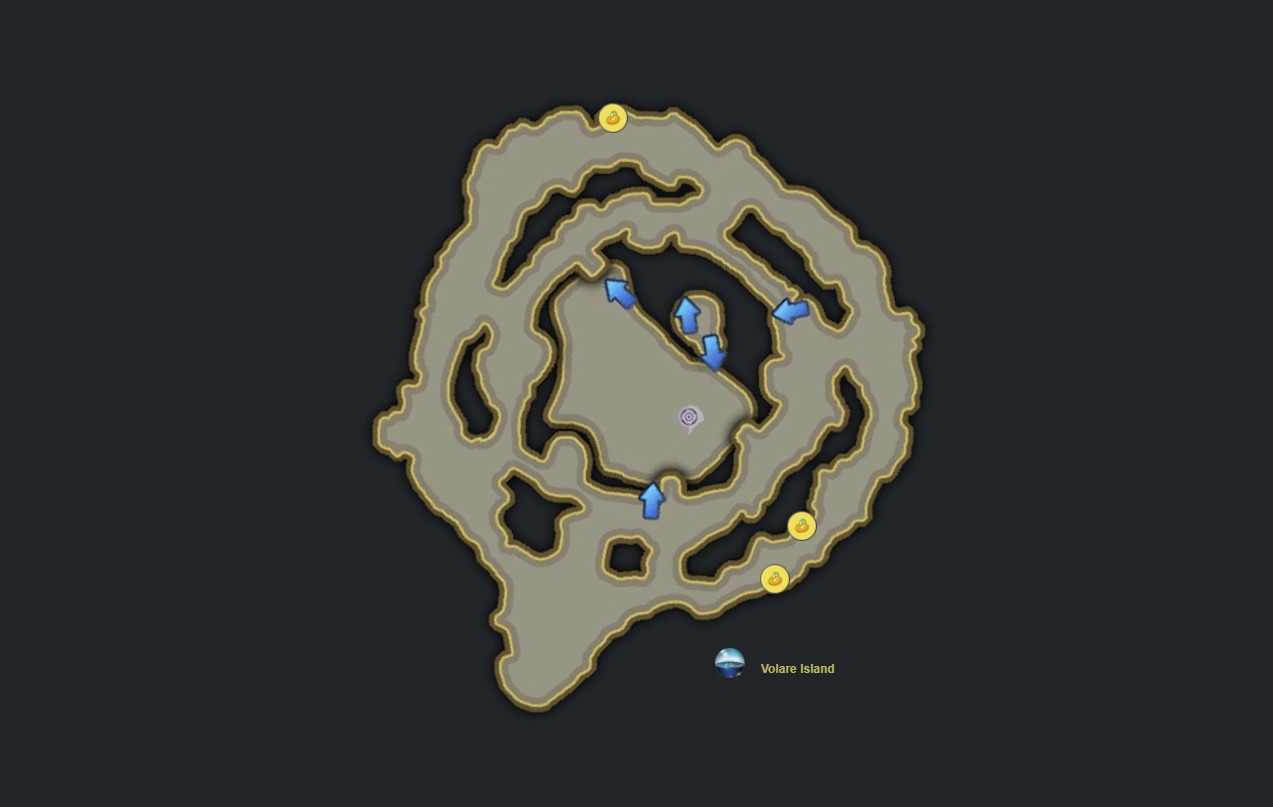
You will find three Mokoko Seeds on Volare Island, which should be straightforward. The first two seeds may be found directly east of the island’s entrance along the road. The third Mokoko Seed is located in the bushes near a withered tree on the north end of the island. Below is a map that will help you to find all the Mokoko Seeds.
The higher your score, the better the rewards. After completing missions, you’ll be eligible to receive a specific number of Secret Chest of Volare, as well as a possible prize from the Volare Island Soul token. You may earn more chests if you achieve a higher rank; join a party and try your luck.
We hope you enjoyed this article about how to get to Volare Island Lost Ark. If you did, you might want to check out how to check Lost Ark queue times, or the best Glaivier build in Lost Ark: Abilities, tips, and more.


