
TechBriefly
  • Tech
  • Business
  • Crypto
  • Science
  • Geek
  • How to
  • About
    • About TechBriefly
    • Terms and Conditions
    • Privacy Policy
    • Contact Us
    • Languages
      • 中文 (Chinese)
      • Dansk
      • Deutsch
      • Español
      • English
      • Français
      • Nederlands
      • Italiano
      • 日本语 (Japanese)
      • 한국인 (Korean)
      • Norsk
      • Polski
      • Português
      • Pусский (Russian)
      • Suomalainen
      • Svenska
No Result
View All Result
TechBriefly
Home Crypto
iPhone users can now use Apple Pay to buy crypto on MetaMask

iPhone users can now use Apple Pay to buy crypto on MetaMask

How to buy crypto with Apple Pay?

Eray EliaçıkbyEray Eliaçık
30 March 2022
in Crypto
Reading Time: 1 min read
Share on FacebookShare on Twitter

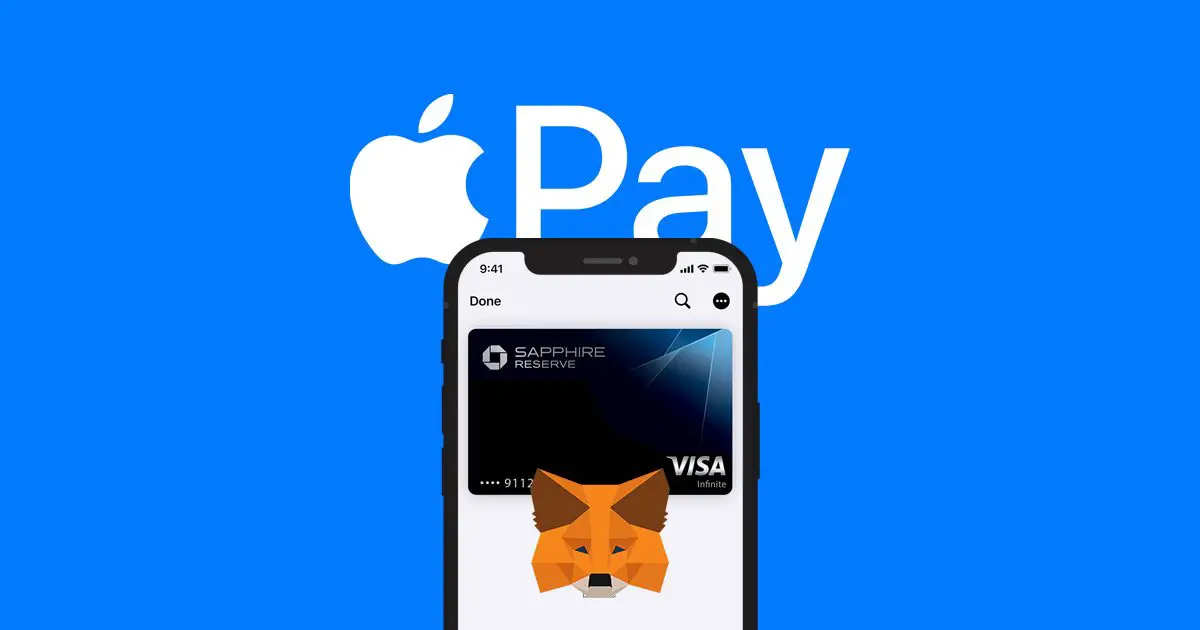
Metamask Apple Pay integration completed. MetaMask, one of the most popular Ethereum crypto wallets, has added support for Apple’s financial platform in an effort to expand into the ecosystem.

On March 29, MetaMask rolled out a slew of changes to its mobile version 4.3.1, the most important of which was Apple Pay integration.

📣 MetaMask Mobile v4.3.1 is LIVE with some exciting updates:

Buy crypto on iOS with Apple Pay (@sendwyre), more transparency when interacting with sites, & support for gasless transactions where relevant.

Does it get any better? Yes it does! We now have dark mode! 🌑

1/🧵

— MetaMask 🦊🫰 (@MetaMask) March 28, 2022

Metamask Apple Pay integration completed: How to buy crypto with Apple Pay?

The catch is that Apple does not enable crypto payments through its own platform, so it must be done via Wyre, which does support crypto and links with Apple Pay.
Metamask Apple Pay integration completed: How to buy crypto with Apple Pay?
SEE ALSO
Biggest DEFI heist ever: Ronin Bridge hack cost over $600 million

Users can now pay for crypto using their debit or credit cards, eliminating the need to preload ETH into the app. Users of Apple Pay may deposit a maximum of $400 per day into their wallet by using their Visa or Mastercard and the Wyre API.

Tags: Appleapple paycryptocrypto newsethethereumiPhoneMasterCardMetamaskVISA
ShareTweet
Eray Eliaçık

Eray Eliaçık

Meet Eray, a tech enthusiast passionate about AI, crypto, gaming, and more. Eray is always looking into new developments, exploring unique topics, and keeping up with the latest trends in the industry.

Related Posts

Bitcoin drops 3% to ,300 as altcoins decline

Bitcoin drops 3% to $87,300 as altcoins decline

30 December 2025
MetaMask completes multichain push with Bitcoin

MetaMask completes multichain push with Bitcoin

16 December 2025
Aptos adds USD1 stablecoin via World Liberty Financial

Aptos adds USD1 stablecoin via World Liberty Financial

1 October 2025
Telegram CEO Pavel Durov funds lifestyle with Bitcoin investments

Telegram CEO Pavel Durov funds lifestyle with Bitcoin investments

1 October 2025
Please login to join discussion

LATEST

Lego launches first-ever Pokémon sets with pre-orders up to $650

Capcom confirms 12-minute Resident Evil Showcase for tomorrow

China keeps market door half-shut for Nvidia despite US export approvals

Instagram co-founder Mike Krieger moves to Anthropic Labs

Netflix prepares all-cash offer for the Warner Bros. deal

Google rolls out automatic room check-in to Workspace users

Tesla launched 2026 Model Y with a seven-seat version

Battlefield 6 Season 2 delayed to February as EA addresses player backlash

Meta halts Quest successor plans as 1,000 Reality Labs jobs are cut

Roblox’s new AI age check is confusing adults for children

TechBriefly

© 2021 TechBriefly is a Linkmedya brand.

  • Tech
  • Business
  • Science
  • Geek
  • How to
  • About
  • Privacy
  • Terms
  • Contact
  • | Network Sites |
  • Digital Report
  • LeaderGamer

Follow Us

No Result
View All Result
  • Tech
  • Business
  • Crypto
  • Science
  • Geek
  • How to
  • About
    • About TechBriefly
    • Terms and Conditions
    • Privacy Policy
    • Contact Us
    • Languages
      • 中文 (Chinese)
      • Dansk
      • Deutsch
      • Español
      • English
      • Français
      • Nederlands
      • Italiano
      • 日本语 (Japanese)
      • 한국인 (Korean)
      • Norsk
      • Polski
      • Português
      • Pусский (Russian)
      • Suomalainen
      • Svenska