
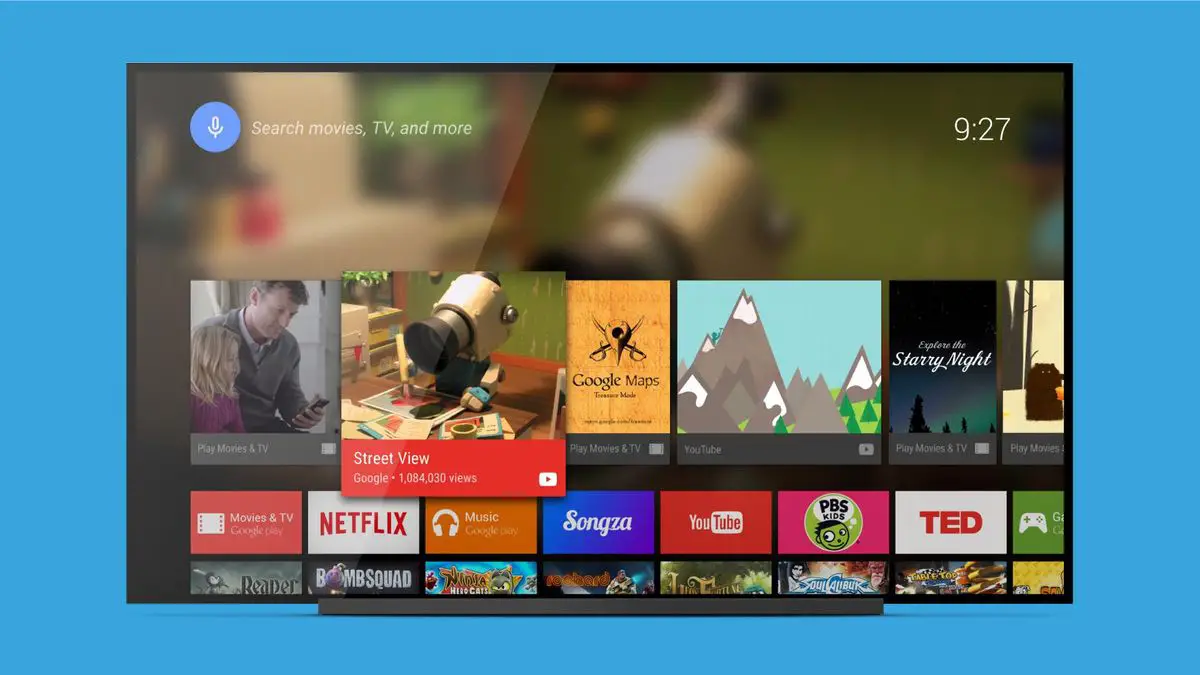

We gathered the best launchers for Android TV. As with the desktop operating system, Android TV also allows you to change the interface by simply installing an application launcher, commonly referred to as “launchers”. There are not too many available for Android TV and Android TV players, but there are enough to make a list of the best ones. We have chosen all the ones worth installing.
What are the best launchers for Android TV?
The Android TV interface has not evolved much until the last year, and it is not that Google introduced too many changes in its Chromecast with Google TV beyond polishing the aesthetics and adding larger images for the headers. That interface is handy when it comes to using the remote control, it also offers some level of customization in the cover grid. What more do you want? You can always choose a launcher for Android TV, let’s see which ones are the most recommended.
FLauncher
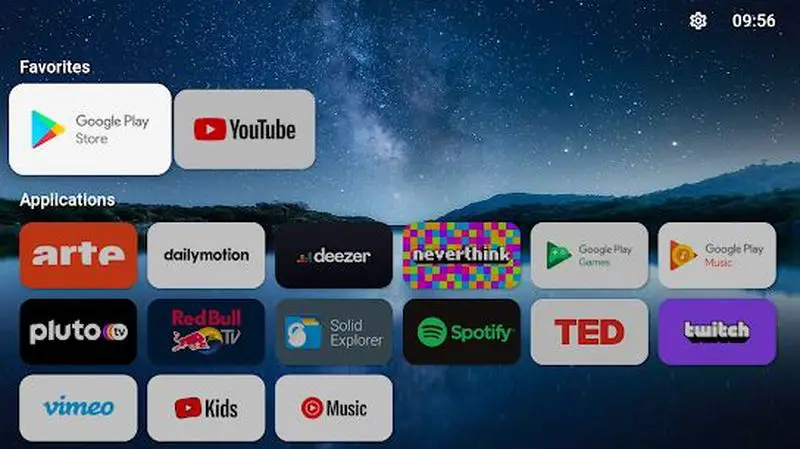
It is the last to arrive and the most worthwhile of all those currently available on the Google Play Store. Of course, you should keep in mind that it is still under development, with all that this implies; although, as we found in our analysis, its performance is as expected.
FLauncher keeps the interface with Android TV cards while adding a higher level of customization to the homepage. You can apply a wallpaper, choose different categories for channels and apps, FLauncher lets you hide apps from the rest of the family and shows apps that are not compatible with Android TV (those that are installed in APK and are not developed strictly for TV) along with the others.
FLauncher is a very light app, has no ads, and is free to download. It seems to us the best in its style.
- Desarrollador: Etienne Fesser
- Download it at Google Play
- Price: Free
- Category: Personalization
HALauncher
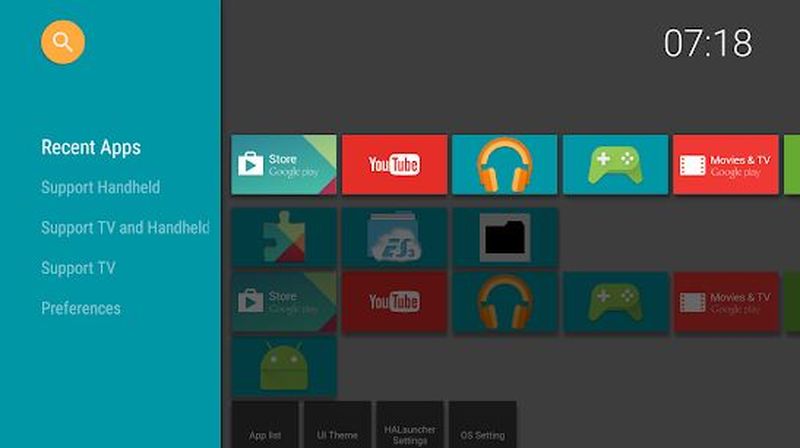
This is a simple replacement for the native Android TV interface that doesn’t add improved aesthetics, it does add the option to launch apps not officially supported by Android TV. HALauncher allows you to incorporate in the grid all those apps, it is also customizable in interface colors, backgrounds, and other aesthetic details. And with one drawback: you may not be able to set it as the default startup app, so you will have to open HALauncher as any other app.
This launcher for Android TV is free in exchange for ads. Of course, they can be disabled for free: go to the HALauncher settings and disable the “Show ads” option.
- Developer: ITO Akihiro
- Download it at Google Play
- Price: Free
- Category: Tools
Simple TV Launcher
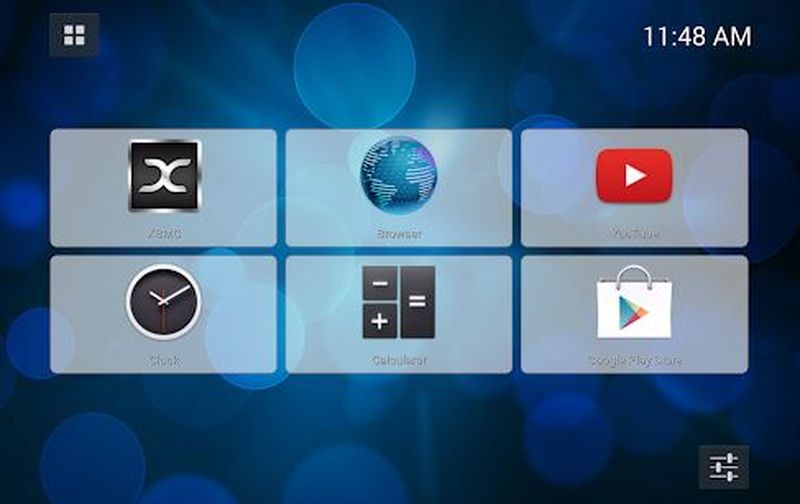
The “simple” comes to hair as this launcher is the simplest thing you’ll find: allows you to add six of the installed apps in a somewhat crude, but effective grid; with the option to access all apps from your drawer. It weighs less than a megabyte, perfect for Android TV devices with smaller capacities.
Simple TV Launcher has no ads, is sufficiently updated, and is open source.
- Developer: Alexandre Del Bigio
- Download it at Google Play
- Price: Free
- Category: Productivity
TV Launcher – Smart – Easy to use
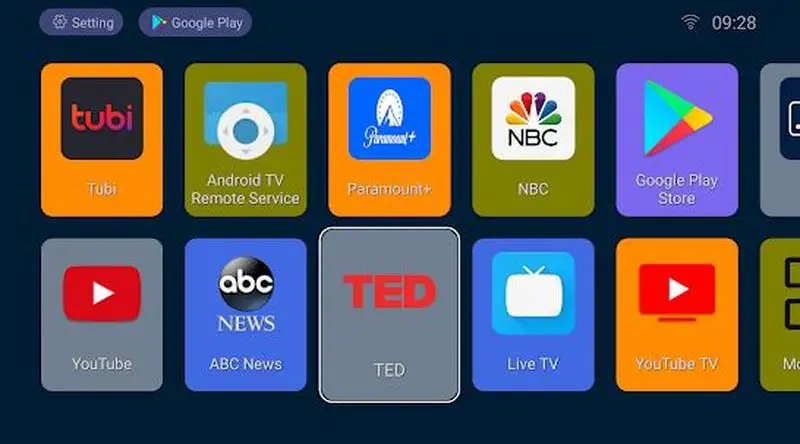
Another launcher without too many options that are useful if what you need is to clean your TV screen of superfluous elements. And it does what its category dictates: it is a launcher for the applications you have installed on your TV or player compatible with Android TV. Nothing more, nothing less.
TV Launcher is not very heavy, keeps up to date in terms of updates, is free, and has some ads.
- Developer: Powerfulsoftware
- Download it at Google Play
- Price: Free
- Category: Personalization
Google TV launcher
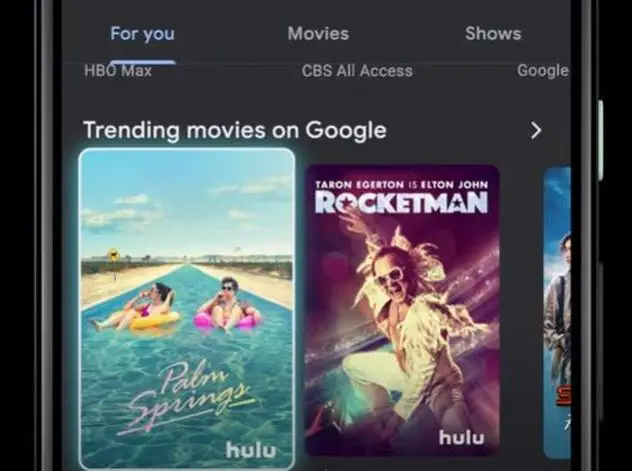
You haven’t got the Google TV interface and want to try it out? It turns out it’s possible to do so, although the process is a bit more complicated than downloading an app from the Play Store or installing an APK file. You need to delete the default launcher app on your device, with all that implies.
The Google TV launcher is much more visual, it is very striking and pleasant to use. It can make your device a bit unstable, especially if you have somewhat fair requirements. And it includes Google’s recommendations: recommended content as ads.
Other Android TV launchers
Finally, we leave you a small list of other alternatives to the Android TV home interface. We have not included them in the recommendations because they are outdated, but they are still valid: try them before discarding their use.
- ATV Launcher
- ATV Launcher Pro ($2,99).
- Top TV Launcher 2 ($2,98).


