
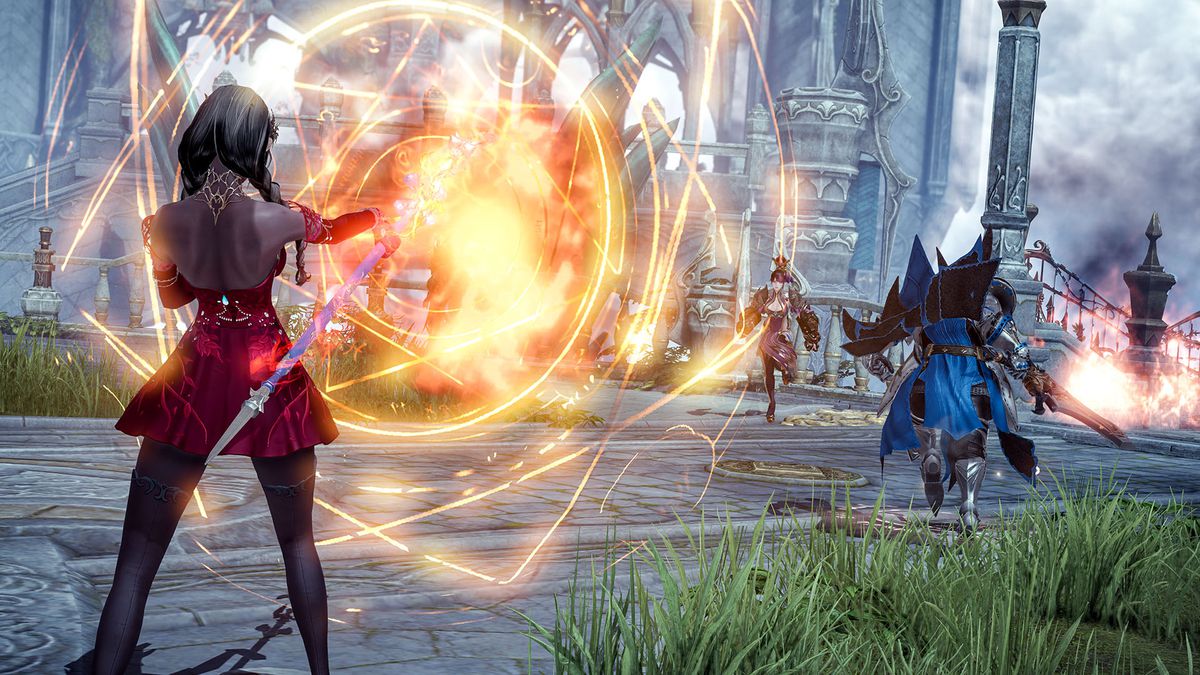

We gathered Lost Ark leveling guide for you. Are you looking for a Lost Ark leveling guide to help you get through Arkesia? The Korean MMO doesn’t hold back when it comes to throwing various mechanics at you right away. It might be overwhelming, especially if you just want to get started on your quest toward level 50.
With a huge buzz and only 24 hours after its debut, this incredible MMO has become the second most popular game ever on Steam in terms of online player counts. You may see system requirements here if you wish to play this trending game. If you want to know which classes are the best in the game right now, we’ve got you covered. Also, you can download the game here. If you don’t have a Windows 11 or 10 PC, it is possible to play the game on Mac too.
Lost Ark leveling guide
You start at level 10 and can eventually reach a maximum of 50. If you wish to develop other characters, the Lost Ark Powerpass makes it simple. This leveling guide offers some useful hints if you want to make a dent in your quest to level 50.
Lost Ark leveling Tip 1: Stay focused on the main storyline
It’s tempting to get sucked into sidequests that pull you away from the narrative. It’s quite simple to distinguish them out: main activities are orange, while sidequests are yellow. Leveling up your Sidequests does not provide a negative experience, but you can attain max level without doing so. Once you reach level 35, you won’t be able to continue with main quests, therefore you’ll need to move on to blue quests, which will take you to three distinct locations.

However, pursuing the main missions alone might get dull fast. You lose a lot of variety if you skip everything else, and certain sidequests may provide useful advantages, such as a pet that loots for you. Doing so will slow down your leveling progress, but it’s something to think about.
Lost Ark leveling Tip 2: Prefer less-crowded channels
If you’re having trouble finding objectives or foes because there are too many other players pursuing the same goal, simply transfer to a less crowded channel. The minimap has a dropdown menu that appears above the map where you can change channels. These are variations of the same region, so if you find it too crowded, you may use this option to go to another channel.
Lost Ark leveling Tip 3: Dismantle gear for more storage space
You may dismantle gear and other items in Lost Ark to save yourself the trip to a vendor by removing them from your inventory. Gear appears to be more valuable, so if you’re low on money, it’s worth hanging on to it for later sale. But if storage space and time are critical, you always have the choice.
Click the hammer icon at the bottom of the inventory window to dismantle the gear. Gear may be deconstructed, allowing you to sell its contents. You’re not necessarily losing much money by doing this since items acquired from dismantling gear may also be sold.
Lost Ark leveling Tip 4: Don’t farm mobs more than you need to
If you’re a seasoned MMO player, it may be tempting to slaughter everything in your path. The issue is that creatures in Lost Ark provide very little XP. Instead, only kill what you need to complete quest objectives and leave the rest alone. Feel free to have fun with Lost Ark’s combat. Just keep in mind that going after every adversary you come across will not help you level up faster.

Lost Ark leveling Tip 5: Don’t spend too much time on collectibles
You may become bored with mindlessly grinding main storyline missions, so it’s a good idea to seek out collectibles such as mokoko seeds for a change of pace. However, if you’re adamant about becoming maximum level as soon as possible, save them for later.
Lost Ark leveling: Powerpass
The Powerpass option may be found on your character screen, and you may be wondering what it is. It allows you to quickly advance another character to level 50. You’ll only get two free Powerpasses, so it’s best to test out a few Loss Ark classes before deciding.
To receive a Powerpass, you must finish the main quest on one character. You’ll get something in the mail after you’ve completed it. You may now return to the character selection screen and choose a new or existing character before clicking the Powerpass button beneath their name.
After that, you’ll need to finish the Adventurer’s Path quest, which will take you from level 10 to 50. When you’ve used the first Powerpass item, the second one should appear in your mailbox.


