

TechBriefly
  • Tech
  • Business
  • Crypto
  • Science
  • Geek
  • How to
  • About
    • About TechBriefly
    • Terms and Conditions
    • Privacy Policy
    • Contact Us
    • Languages
      • 中文 (Chinese)
      • Dansk
      • Deutsch
      • Español
      • English
      • Français
      • Nederlands
      • Italiano
      • 日本语 (Japanese)
      • 한국인 (Korean)
      • Norsk
      • Polski
      • Português
      • Pусский (Russian)
      • Suomalainen
      • Svenska
No Result
View All Result
TechBriefly
Home How to
Guide: Fix Lost Ark Crystalline Aura gone

Guide: Fix Lost Ark Crystalline Aura gone

Some players are facing problems activating Crystalline Aura in Lost Ark, let's see how to fix it!

Kerem GülenbyKerem Gülen
16 February 2022
in How to
Reading Time: 2 mins read
Share on FacebookShare on Twitter

If your Crystalline Aura is not working in Lost Ark, we’re here to help you. Lost Ark has several issues that must be addressed on a daily basis, and lately, players have discovered that their crystalline halo is not functioning or missing from their inventory. Because it is a premium service, players are looking for answers.

How to fix Lost Ark Crystalline Aura not working?

The in-game shop sells Crystalline Aura as a consumable item. It has several functions that aid in the game’s progression, making it easier to complete numerous tasks. The Crystalline Aura package costs 420 Blue Crystals, which may be bought with real money. Because this is an item that can be purchased with real money, players are asking why the Crystalline Aura isn’t working or isn’t active. We’ll show you how to fix Crystalline Aura gone in Lost Ark.

Since this problem affects all regions, the support team is currently working on it, but there is no definitive solution yet. They’ve recognized that it has something to do with in-game servers not matching up with commerce servers, and they’re working hard to fix the problem. Until then, there are some things you can do on your own to address the situation.
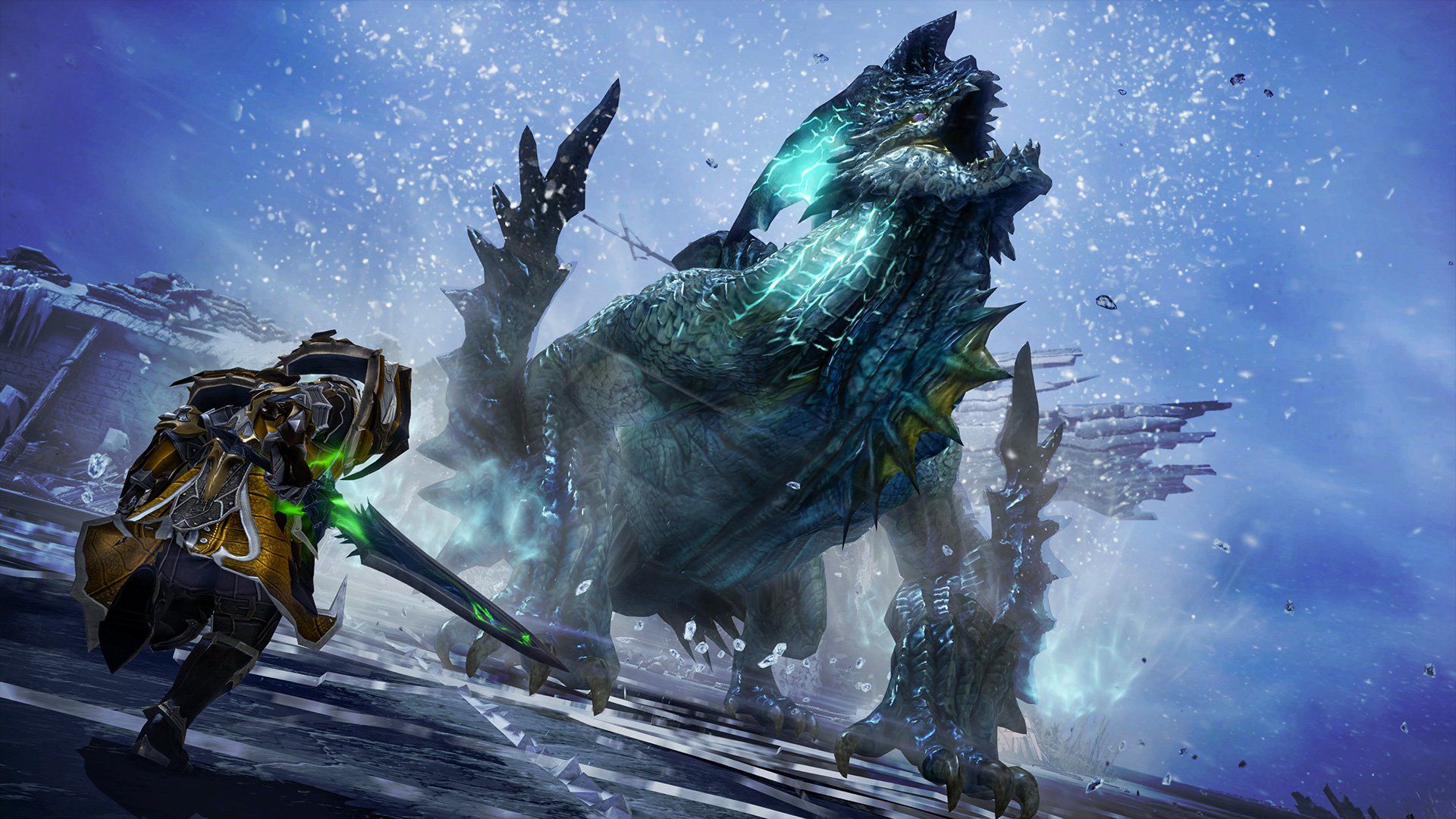
Guide: Fix Lost Ark Crystalline Aura not working
Lost Ark Crystalline Aura gone
See also:
Guide: Lost Ark Morai Ruins Mokoko Seed locations

Try these solutions:

  • First, restart your game.
  • Try verifying your game files.
  • Check the server status of the game.
  • Contact support and send a ticket.
See also:
Guide: Lost Ark Nightmare Ghost Ship location

Players have reported that playing the game, as usual, will help restore the Crystalline Aura after a while. Some players said they were able to recover their Crystalline Aura in Lost Ark after 10 minutes of gameplay, whereas others needed to teleport to various locations, fight monsters, and play for more than an hour in order to restored it. Playing the game at a later time is another option. However, contacting customer support and creating a ticket are your best bets for getting the problem of missing Crystalline Aura resolved quickly.

Tags: Lost Ark server status
ShareTweet
Kerem Gülen

Kerem Gülen

Kerem from Turkey has an insatiable curiosity for the latest advancements in tech gadgets and a knack for innovative thinking.With 3 years of experience in editorship and a childhood dream of becoming a journalist, Kerem has always been curious about the latest tech gadgets and is constantly seeking new ways to create.As a Master's student in Strategic Communications, Kerem is eager to learn more about the ever-evolving world of technology. His primary focuses are artificial intelligence and digital inclusion, and he delves into the most current and accurate information on these topics.

Related Posts

How to install mods and custom content in The Sims 2

How to install mods and custom content in The Sims 2

26 December 2025
Running Python files and fixing path errors on Windows

Running Python files and fixing path errors on Windows

26 December 2025
How to boot your PC into Command Prompt for troubleshooting

How to boot your PC into Command Prompt for troubleshooting

26 December 2025
How to delete a virus using Command Prompt

How to delete a virus using Command Prompt

26 December 2025
Please login to join discussion

LATEST

New WhatsApp update brings 2026 stickers and video call effects

Leaker reveals Xiaomi plans for high end eSIM device in 2026

HP prepares OMEN OLED monitor reveal for CES 2026

High RAM costs from AI boom could delay next Xbox and PlayStation

LG to unveil its Gallery TV at CES 2026

Bitcoin drops 3% to $87,300 as altcoins decline

How to install mods and custom content in The Sims 2

Running Python files and fixing path errors on Windows

How to boot your PC into Command Prompt for troubleshooting

How to delete a virus using Command Prompt

TechBriefly

© 2021 TechBriefly is a Linkmedya brand.

  • Tech
  • Business
  • Science
  • Geek
  • How to
  • About
  • Privacy
  • Terms
  • Contact
  • | Network Sites |
  • Digital Report
  • LeaderGamer

Follow Us

No Result
View All Result
  • Tech
  • Business
  • Crypto
  • Science
  • Geek
  • How to
  • About
    • About TechBriefly
    • Terms and Conditions
    • Privacy Policy
    • Contact Us
    • Languages
      • 中文 (Chinese)
      • Dansk
      • Deutsch
      • Español
      • English
      • Français
      • Nederlands
      • Italiano
      • 日本语 (Japanese)
      • 한국인 (Korean)
      • Norsk
      • Polski
      • Português
      • Pусский (Russian)
      • Suomalainen
      • Svenska