
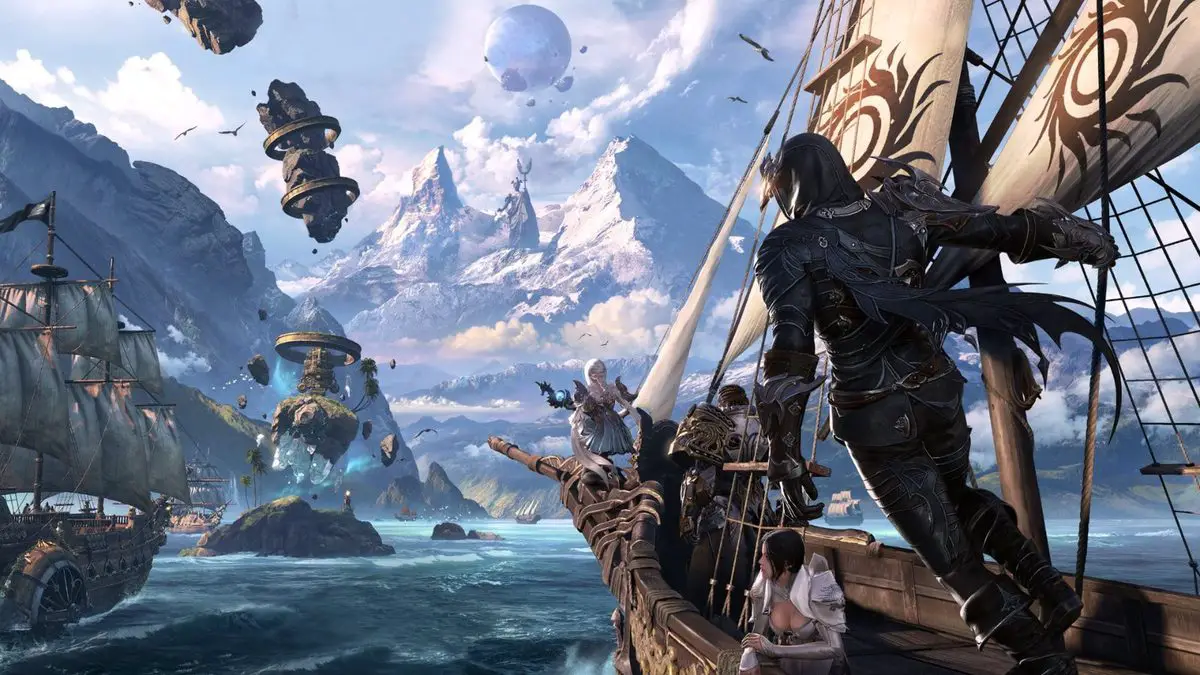

Everyone who plays the popular game wonders what the Lost Ark 10027 is and Lost Ark error 10027 fix. The massively multiplayer online role-playing game (MMORPG) Lost Ark has exploded in popularity following its arrival to the West, after a few years of South Korean exclusivity. Players have encountered several difficulties while playing the game, including the Lost Ark Error 10027.
This is by no means an uncommon problem, especially if you play on any of the EU servers. Because Lost Ark necessitates that players remain connected to its servers at all times, this error can prevent you from playing the game altogether, which has resulted in a slew of negative Steam user reviews. While not the sole reason for the unfavorable feedback, it does not appear to be helping the game’s popularity with gamers.
Lost Ark 10027 fix
When your servers are full, you will receive an Error 10027 error message.
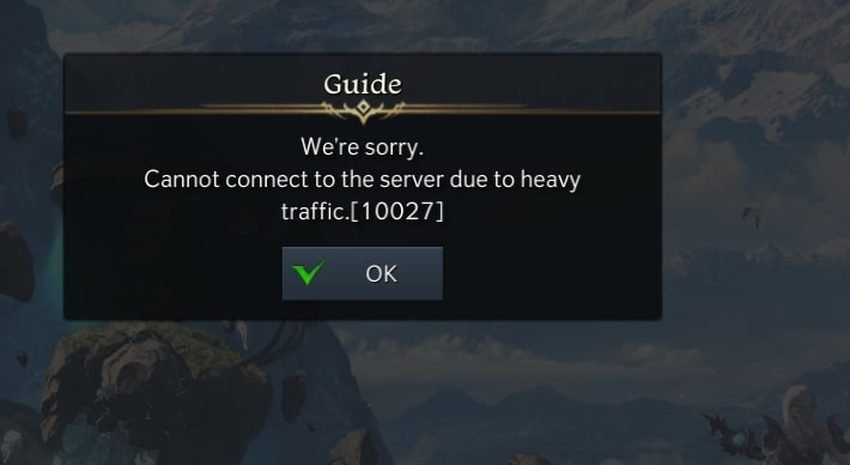
The error code is accompanied by the following text:
“Cannot connect to the sever due to heavy traffic.”
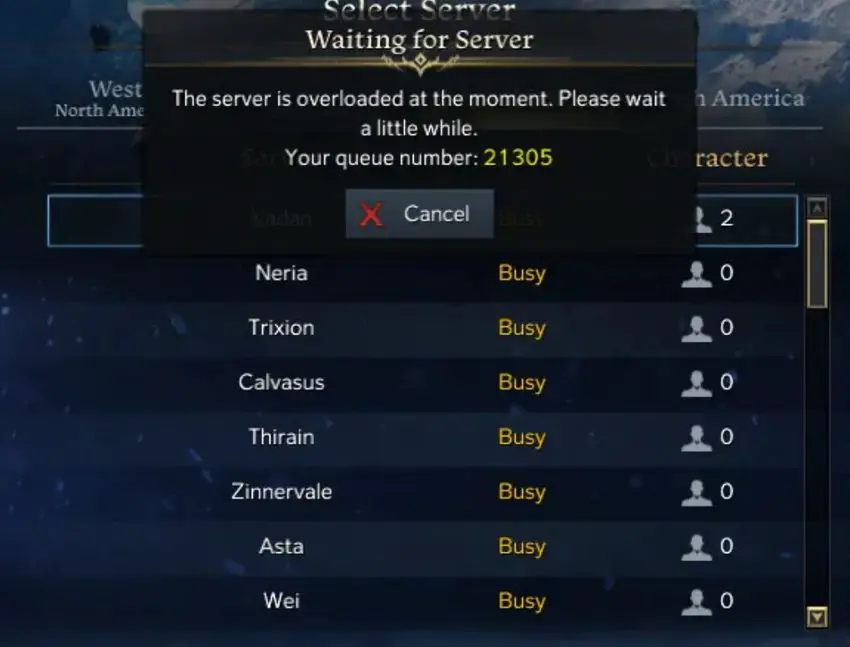
This has been especially difficult on the EU servers, where players have had to wait in line in the tens of thousands just to log in and start playing.
A client is unable to access a server when the queue to login to it is full, resulting in an error code of Lost ark 10027.
To summarize, it’s not you; it’s just that Lost Ark’s servers are to blame for the problem.
Lost Ark server list: Which one is for you?
Fixing Lost Ark 10027 error
Although the servers being busy is certainly one cause of this, there’s nothing you can really do about error 10027. You simply have to be patient and wait in line until you’re eventually logged in.
The good news is that Smilegate and Amazon Publishing have been hard at work to fix the server problems with Lost Ark, and they just completed maintenance for “additional stability improvements for EU Central servers,” which have long been among the most affected.
Maintenance has been completed and the servers are back online. Thank you for your patience. https://t.co/ZxqS7K5vxq
— Lost Ark (@playlostark) February 15, 2022
This doesn’t guarantee that you won’t encounter error 10027 in Lost Ark again, especially if you’re playing on a non-EU server, but it’s something.
Lost Ark 10027 explained
Millions of gamers are attempting to join the game and play Lost Ark, as the RPGMMO has generated a considerable amount of interest and millions of people want to play it right from the start.
As the available server capacity is eventually limited, the cap on all accessible servers is soon reached, preventing interested players from connecting to them.
This was an issue long before the game’s F2P release when several of the most popular servers had queues of 10,000 players or more. However, after Lost Ark became free-to-play, the problem has worsened.
Players are no longer able to join a queue, instead, they receive the 10027 error followed by the well-known “Cannot Connect Due To Heavy Traffic.”
Lost Ark classes tier list: Best classes in the game
This implies that the servers are at capacity, and even server queues have been reached, which is why you can’t join a line.
You can’t do much here, except wait for players to leave the servers and disburden queues, allowing you to join the queue.
We do believe that Amazon will increase its server capacity and add more servers in the coming years, but for now, you must wait.


