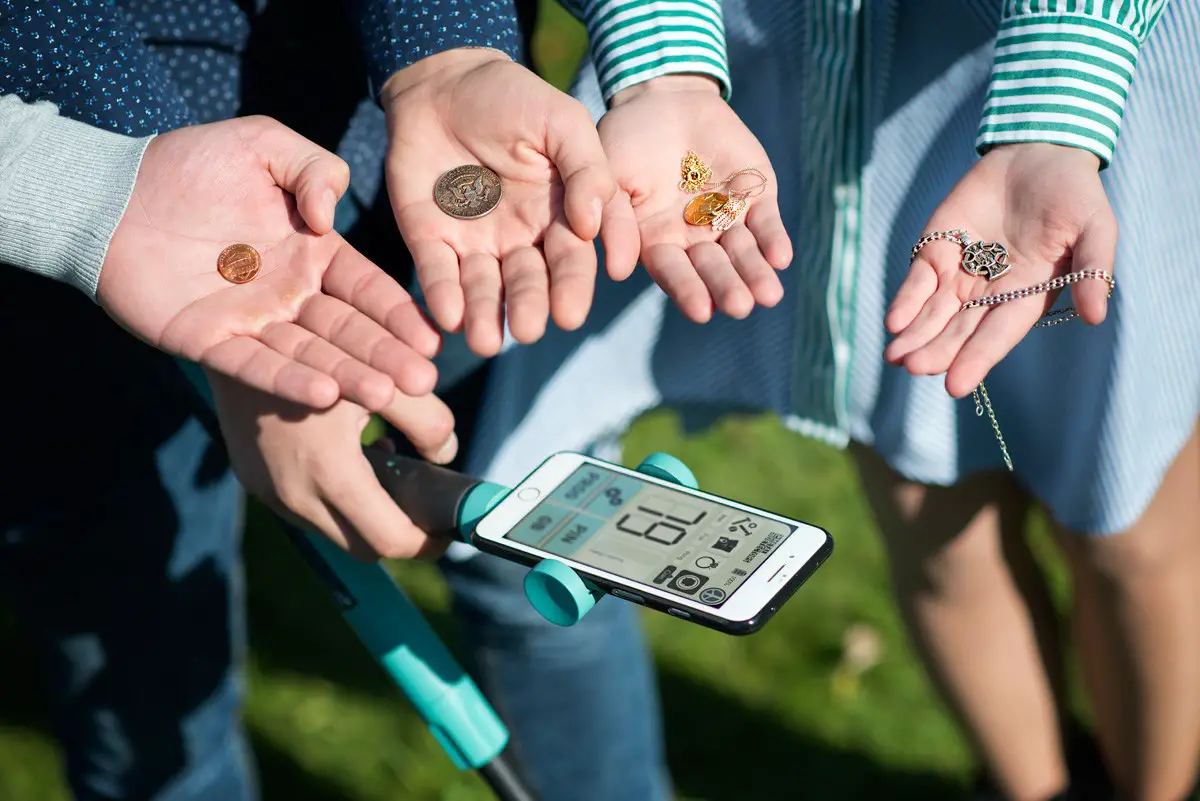

Today we are going to review the best metal detector apps for Android. It is impressive to see how many things we can use a smartphone for. Thanks to these devices we use every day can be used for metal detecting thanks to their magnetometer.
Do metal detector apps for Android work?
The functionality of metal detector apps are going to depend on a few factors:
- The app must reflect magnetic oscillations.
- Your mobile phone must have a digital compass or magnetometer for reliable results.
- You must position the magnetometer until you get the sensor and find the activity through the metal detector, which will be reflected on the screen.
- In short, these apps work at close distances.
The best metal detector apps for Android
- Free Metal Detector 2019
- Real Metal Detector with Sound – Sniffer Detector
- Smart Hunter Home Metal Detector
- ExaMobile S.A. Metal Detector
- Metal detector
- Metal Detector from Netigen Tools
- Free Metal Detector 2020
With these apps, you will be able to turn your Android device into a metal detector for metals such as iron, nickel, cobalt, and other alloys, due to the magnetism present in its compass or magnetometer.
Free Metal Detector 2019
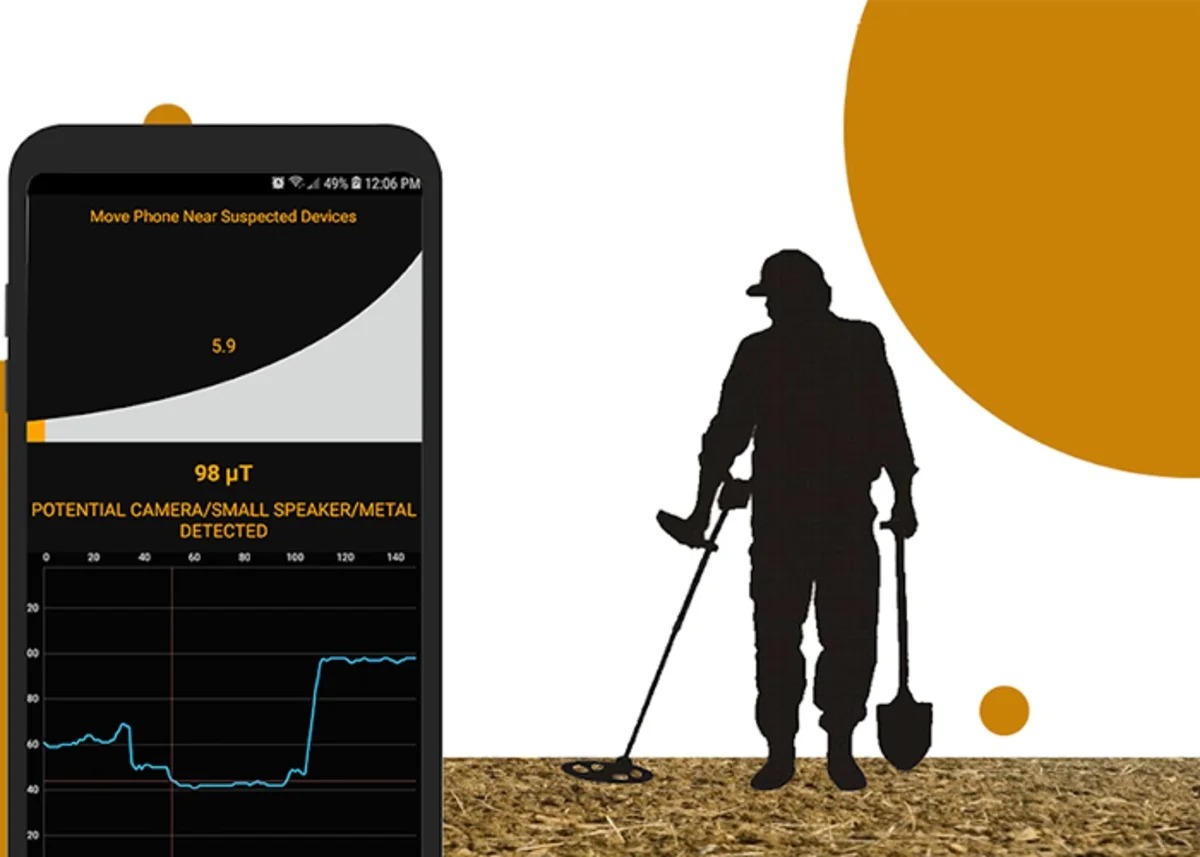
Free Metal Detector 2019 is one of the best options. Its interface is really simple and includes optimal functions. Best of all, it is available on Google Play for free.
There’s a magnetic sensor that is able to identify any metal near mobile phones. Keep in mind that to get fast readings you must make sure you are not near computers, TV, or electronic devices that may interfere.
Real Metal Detector with Sound – Sniffer Detector
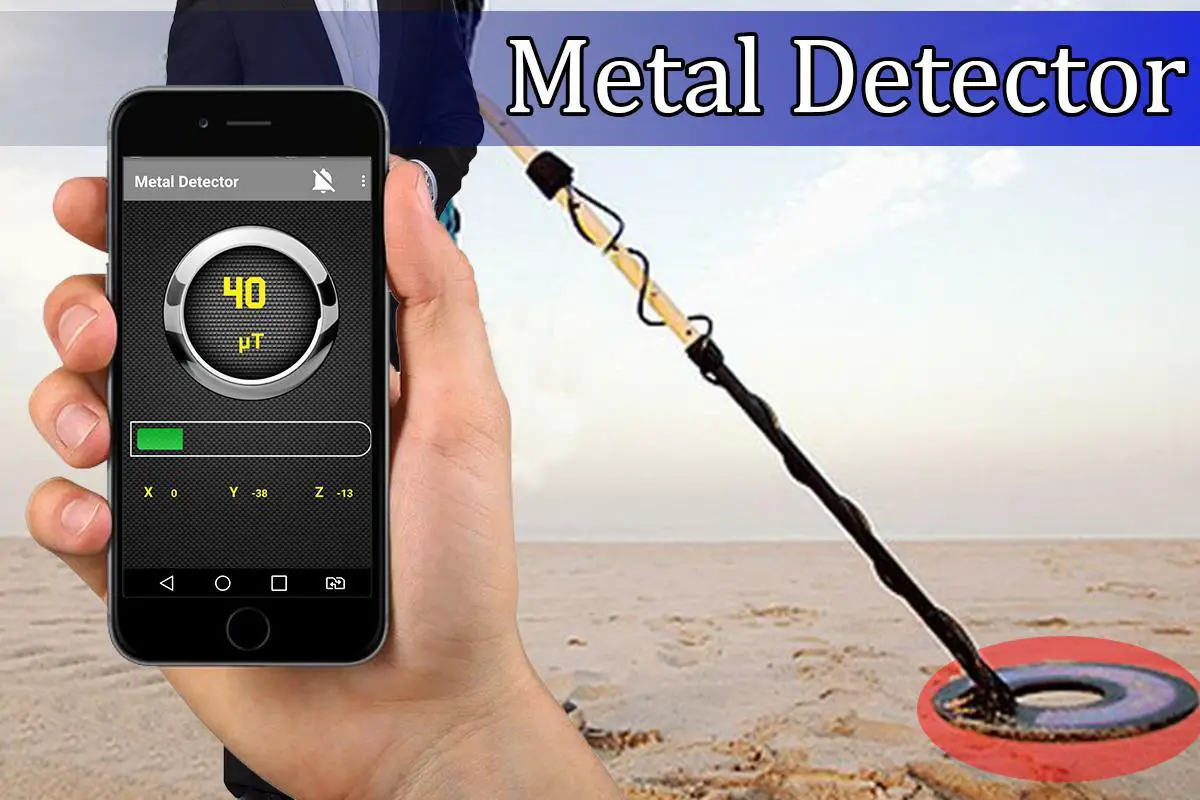
Just like the last application, the Real Metal Detector with Sound – Sniffer Detector uses a magnetic sensor to detect the presence of metals and you will be able to observe how it increases when it is in the presence of some metallic objects.
Its interface is very basic, easy to use and includes a compass type meter where you can monitor the proximity of metals. Best of all the phone will vibrate when it finds a metallic product. and it’s free.
Smart Hunter Home Metal Detector
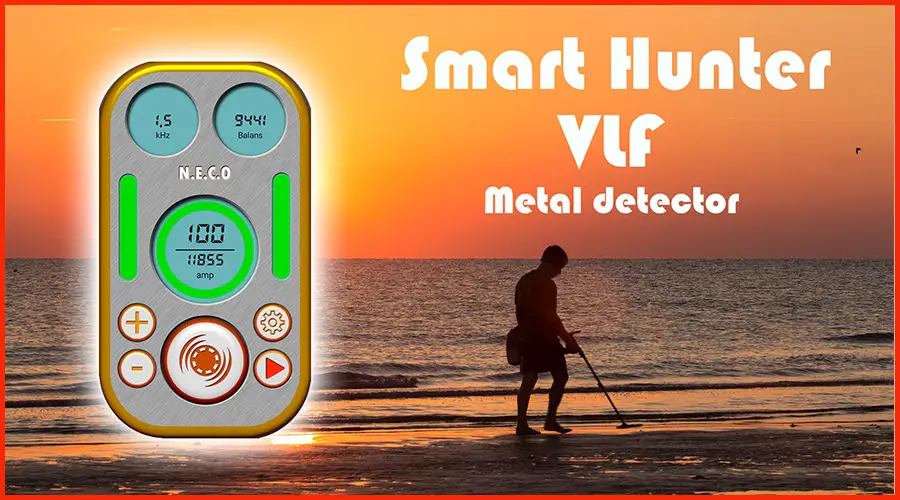
This practical app explains how to make a metal detector at home; through a tutorial, it explains the whole process step by step. You will need several basic and indispensable elements with which you can quickly build your own metal detector.
This way, you will be able to detect gold rings at a distance of 20-25 cm and larger objects such as pots and lids at a distance of more than one meter. As in the previous case, the phone will vibrate when it finds a metallic product.
ExaMobile S.A. Metal Detector
If you like to search for lost metal objects, then this app is for you. It is able to measure the magnetic field thanks to the integrated sensor of the smartphone. The screen displays the maximum and minimum values and, in turn, emits vibrations when it is close to a metal object. It is free on Google Play with a score of 3.9 stars.
Metal Detector
If you are looking for lost metals, the Metal detector app could be your best choice. However, everything will depend on space, since to get accurate values, you should avoid having any electronic equipment nearby that may interfere with the reading.
The highlight of this pocket tool is that you will be able to find a great variety of metals, among which we can mention: cobalt, nickel, iron, steel, and other objects. When metal objects are found, the platform emits a very interesting sound, making it one of the most outstanding alternatives in this list.
Metal Detector from Netigen Tools
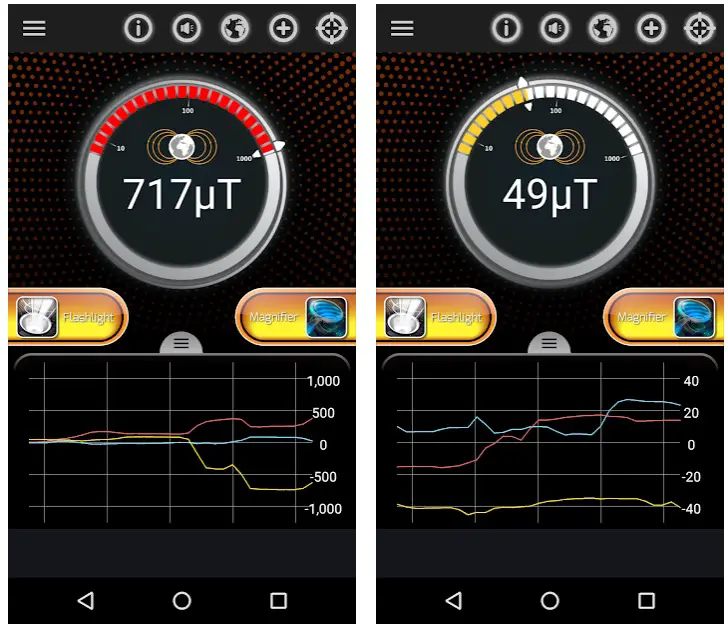
With this application, it will be easy to find electrical wires in walls, coins, iron pipes, and others. It has more than 1 million downloads and has an easy-to-use interface.
The magnetic field will appear on the screen of your smartphone in three lines of different colors, each representing three dimensions. As your mobile phone approaches the area where the metal object is located, the app will produce sounds and vibrations, indicating that the metal has been found.
Free Metal Detector 2020
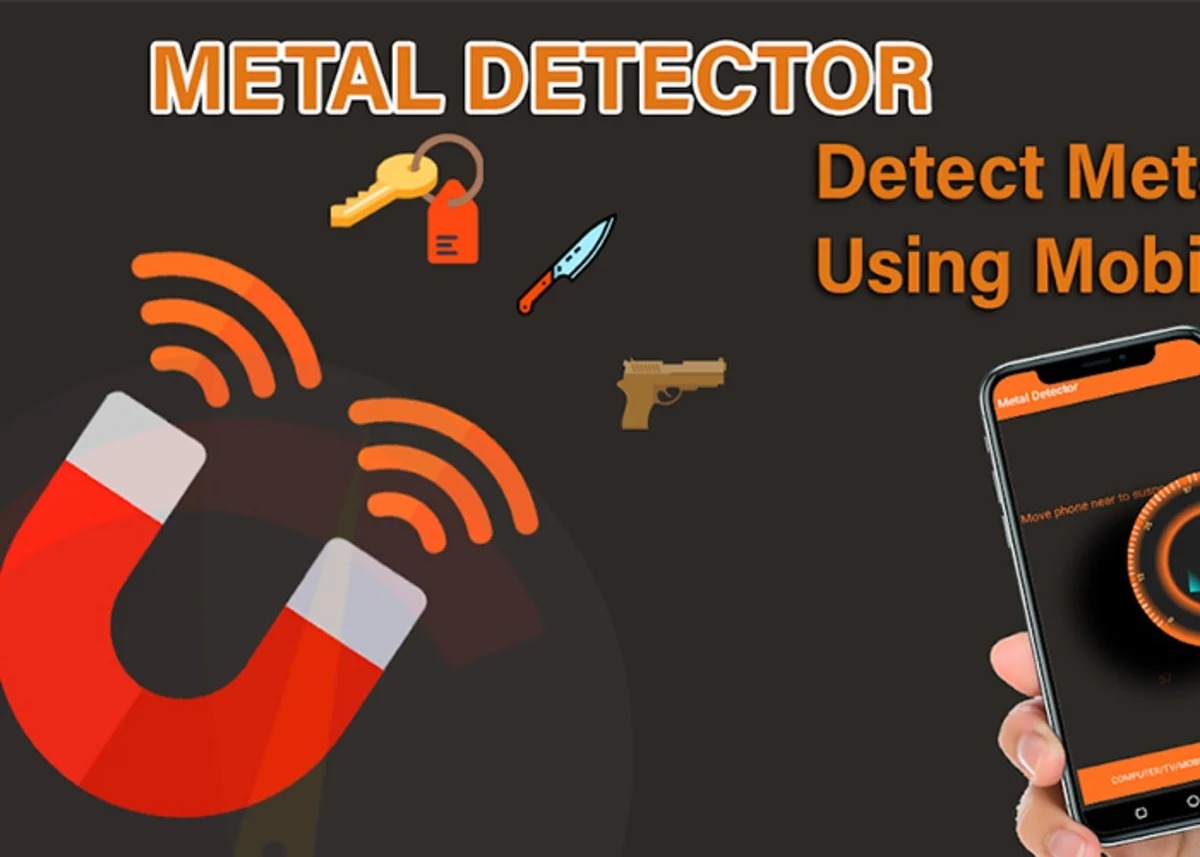
Free Metal Detector 2020 is another tool that helps you detect metals. It is free, detects ferrous metals, camera microphones, alloys such as steel and others.
It is very efficient at finding metals quickly, even those that are hidden inside other objects or underground. Likewise, it facilitates the search for electrical cables and metal objects located in walls.
When close to a metal, the magnetic field will increase and the detector will emit a signal in the form of a sound informing that there is a metallic element nearby.
If you liked this article, do not hesitate to take a look at this special trick to learn how to perform a diagnostic test on your Android without installing apps or root, or better yet, check out this application that can also be useful when it comes to finding metals.