


Social media platforms are constantly introducing new features to keep their audiences engaged, and @highlight Facebook is one such feature that has gained attention. However, many users find themselves scratching their heads, unsure of what it means and how to use it effectively.
In this article, we’ll delve into the details of the @highlight comment, what it signifies, and how it can enhance the visibility of your posts.
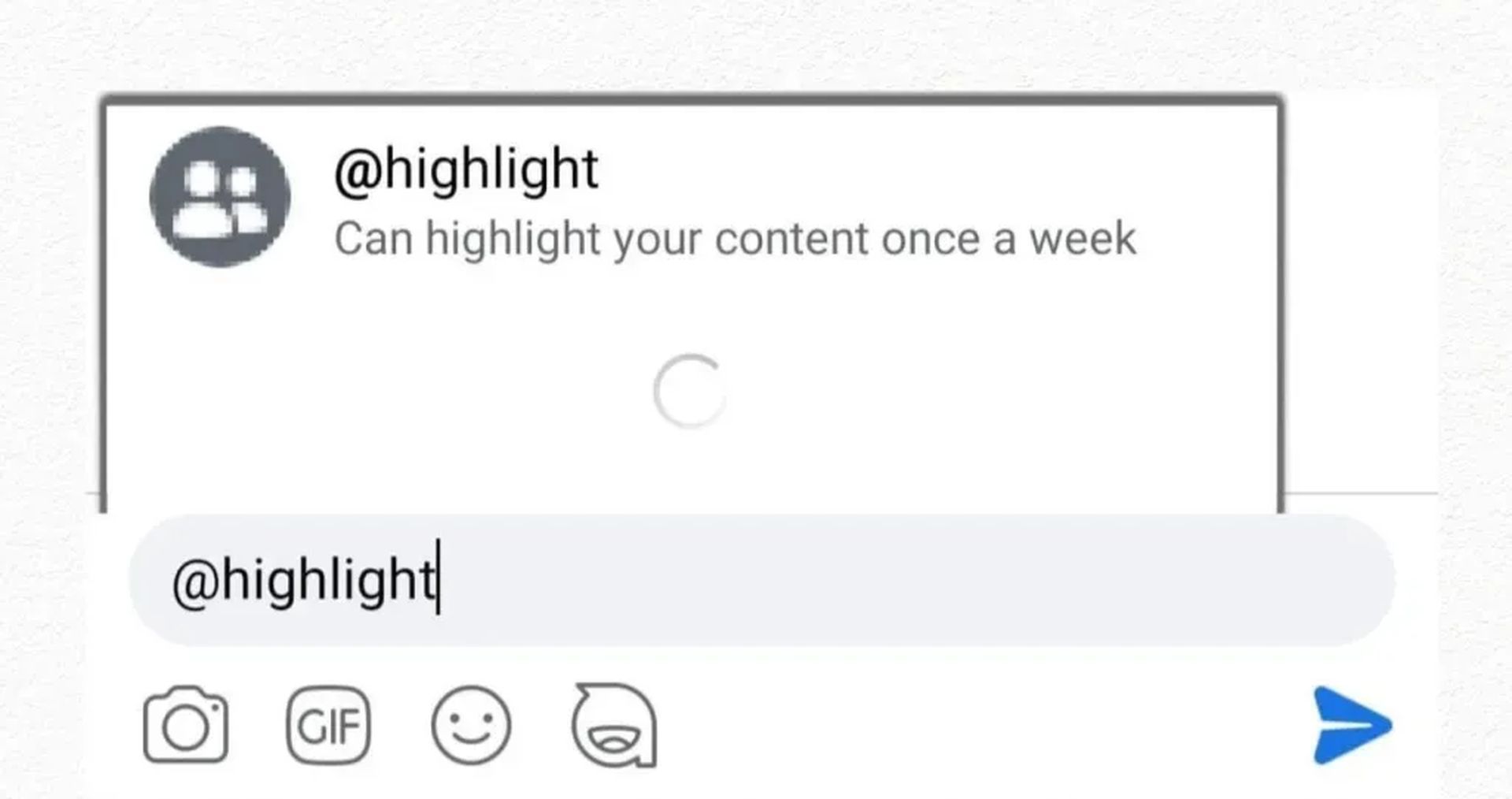
What exactly is the @highlight Facebook feature?
The @highlight comment is the key to utilizing the highlighting feature on Facebook. When you comment @highlight under your post, it amplifies the post’s presence on other users’ news feeds and elevates its visibility both on the feed and your profile page. Think of it as a counterpart to a pinned tweet on Twitter, a means to spotlight a post that you want to ensure gets noticed.
However, highlighting serves a dual purpose. Not only does it draw more attention to your content, but it also presents the post in a larger format compared to other regular posts. This feature increases the likelihood of engaging your audience with content that matters to you.
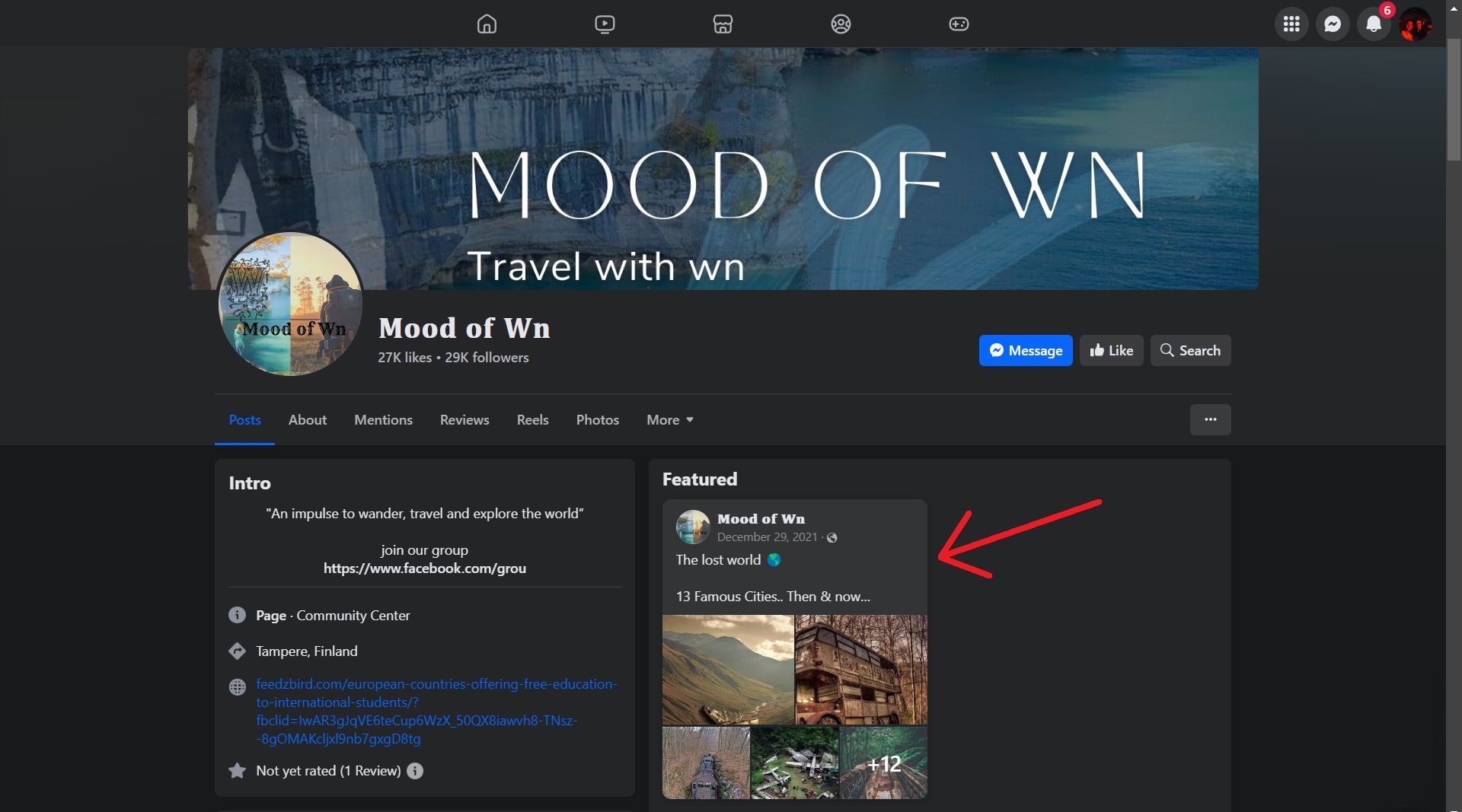
Additionally, a highlighted post enjoys an extended stay on the news feed, maintaining its prominence for a longer duration. It also secures a fixed spot near the top of your profile page, ensuring that visitors see it.
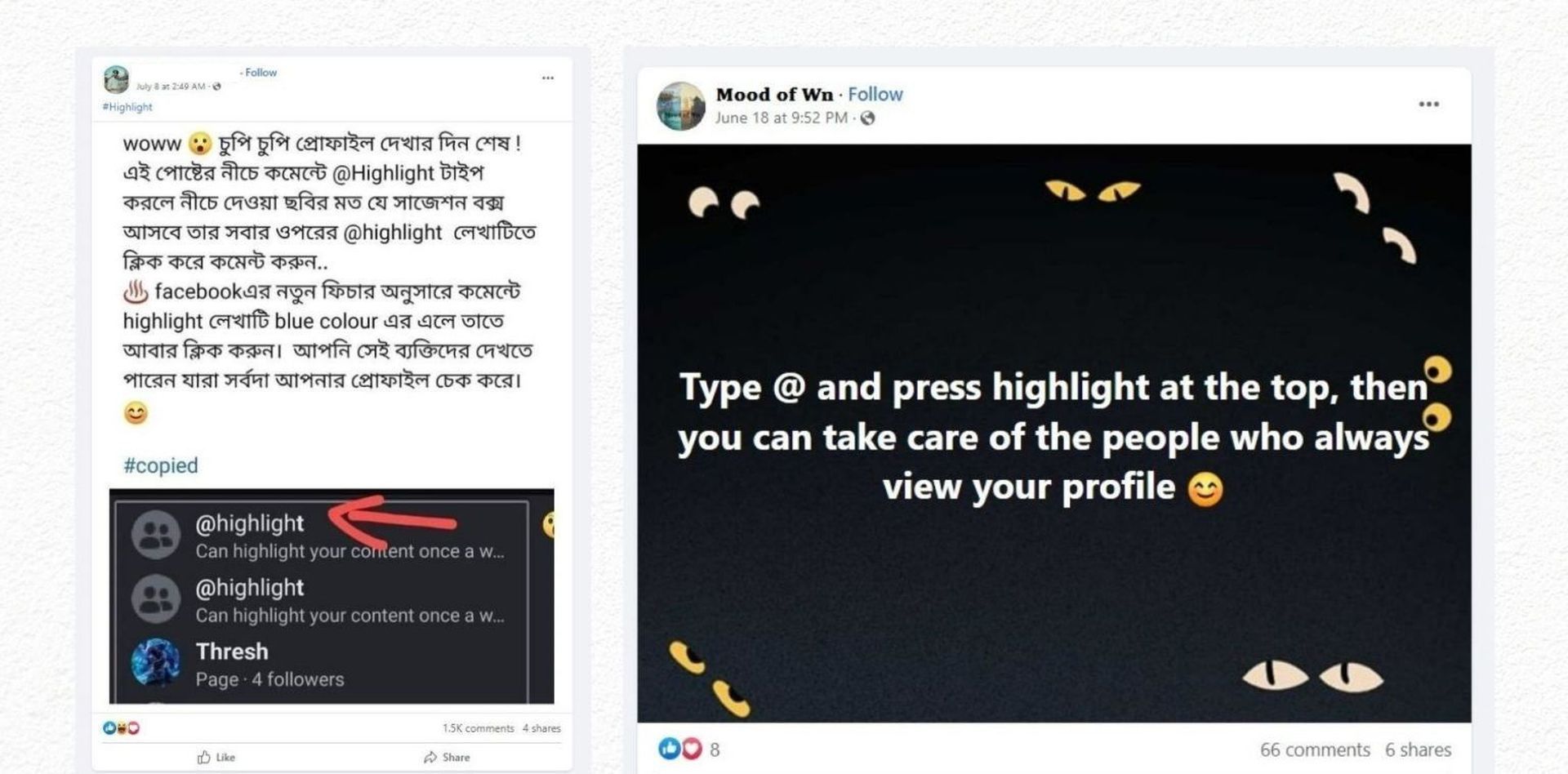
Appearance across devices
While the precise appearance of a highlighted post may vary depending on the device, the core function remains consistent. It accentuates the content you want to highlight, keeping it relevant and noticeable for an extended period.
Avoiding overuse
However, it’s important to exercise discretion when it comes to highlighting posts. Overusing this feature might lead your audience to treat all your content in the same manner, potentially causing them to overlook it as they did before.
In fact, the beauty of the highlight feature lies in its versatility. Users can highlight a diverse range of content, be it a cherished wedding photo, a compelling promotional offer for your business, or any other information you believe should grab visitors’ attention when they explore your profile.
A growing trend
As users continue to explore this feature, it’s likely that you’ll encounter it more frequently on your Facebook feed. While not entirely new, it appears that an increasing number of users have recently discovered and embraced this functionality, making it a noteworthy addition to your social media toolkit.
The @highlight Facebook feature is a powerful tool that can significantly amplify the reach and impact of your posts. By understanding its purpose and implementing it judiciously, you can ensure that your content stands out in a crowded digital landscape.
So, don’t hesitate to give it a try and watch your posts shine on Facebook!
Meanwhile, if you are one of the folk who wants to know ins and outs of the platforms they use, make sure to check out our article on why 33 states are suing Facebook and Instagram. You may also wish stay on track of how your social media posts feed Meta AI.
Featured image credit: Deeksha Pahariya on Unsplash


